1
Adjustments
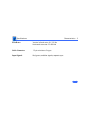
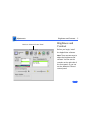
Position
Geometry - 14
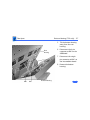
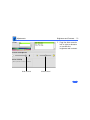
Arrow Buttons
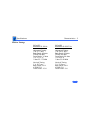
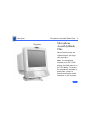
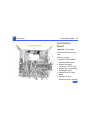
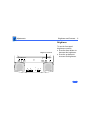
Position (Centering)
1
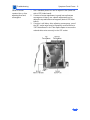
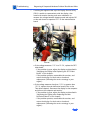
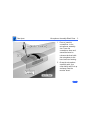
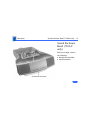
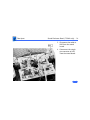
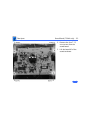
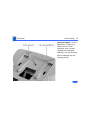
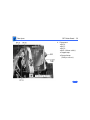
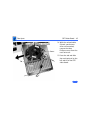
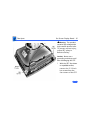
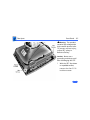
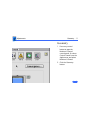
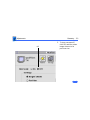
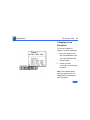
Click Position.
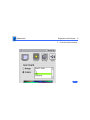
3
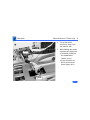
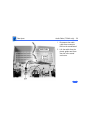
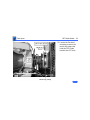
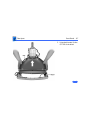
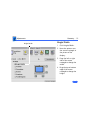
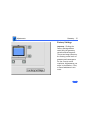
Drag the screen
rectangle to center the
image.
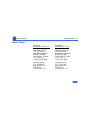
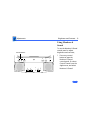
2
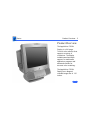
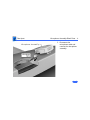
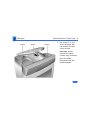
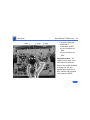
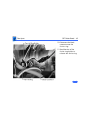
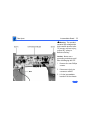
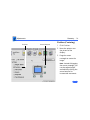
Move the pointer over
the picture of the
display.
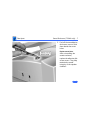
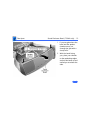
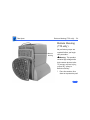
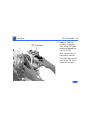
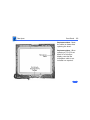
Note: Instead of dragging
the screen rectangle, you
can also adjust height
and width by clicking the
arrow buttons for
incremental movement.