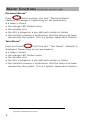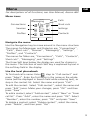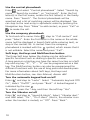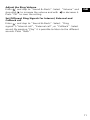
1
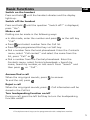
Adjust the Ring Volume
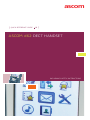
Enter , and step to “Sound & Alerts”. Select “Volume” and
step with to increase the volume and with
to decrease it.
Press “OK“ to save the setting.
GB
Set Different Ring Signals for Internal, External and
Callback call
Enter , and step to “Sound & Alerts”. Select “Ring
signals”>"Internal call", "External call", or "Callback". Select
sound. By pressing "Play" it is possible to listen to the different
sounds. Press “Back”.
11