1
Waypoint Database
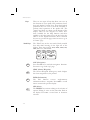
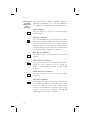
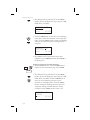
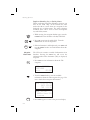
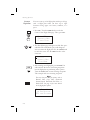
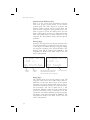
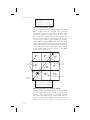
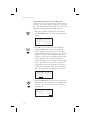
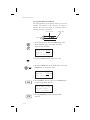
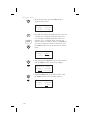
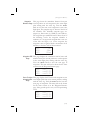
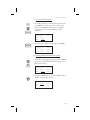
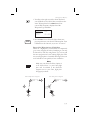
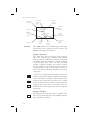
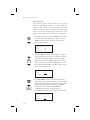
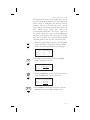
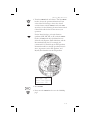
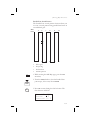
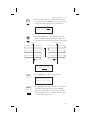
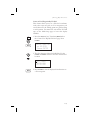
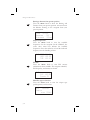
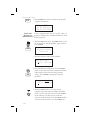
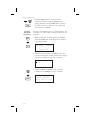
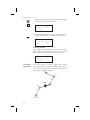
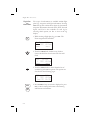
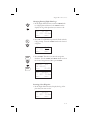
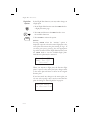
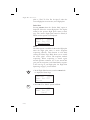
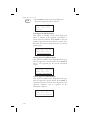
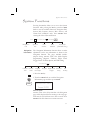
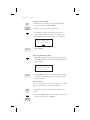
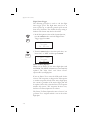
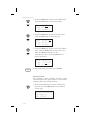
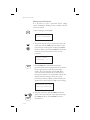
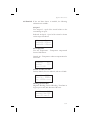
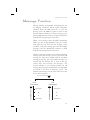
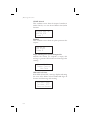
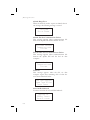
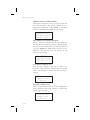
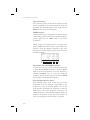
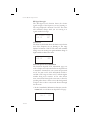
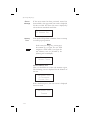
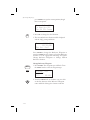
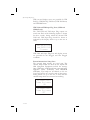
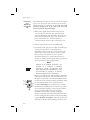
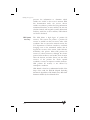
3. Turn the LARGE knob to the first character of the
waypoint name. The character will flash. Turn the
SMALL knob to select the desired character.
AIRPORT
EVERETT
city
PAE
WA USA
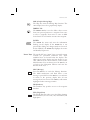
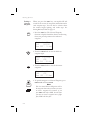
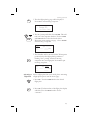
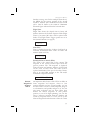
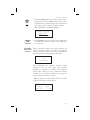
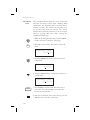
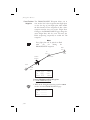
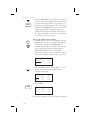
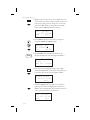
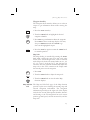
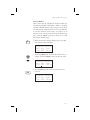
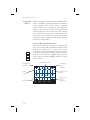
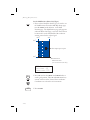
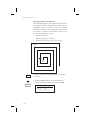
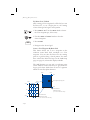
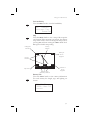
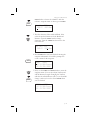
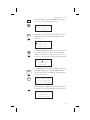
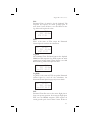
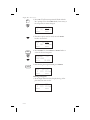
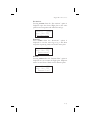
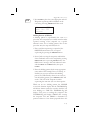
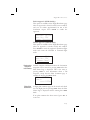
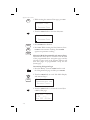
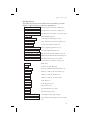
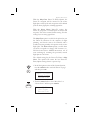
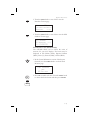
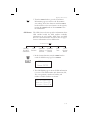
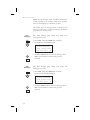
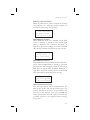
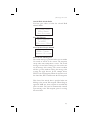
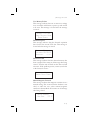
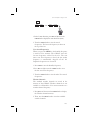
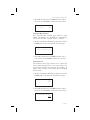
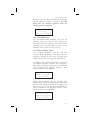
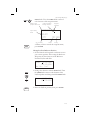
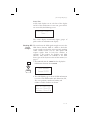
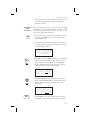
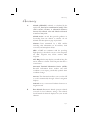
4. Turn the LARGE knob clockwise one click to move
to the next character. Turn the SMALL knob to
select the desired character. Continue to select the
needed characters.
PDX
AIRPORT
PORTLAND
city
OR USA
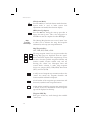
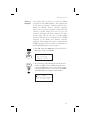
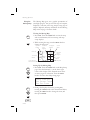
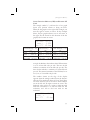
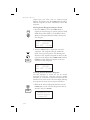
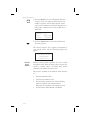
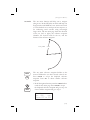
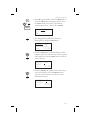
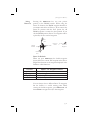
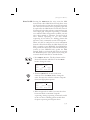
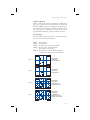
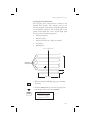
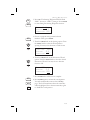
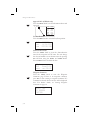
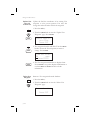
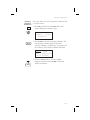
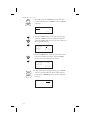
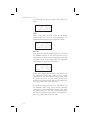
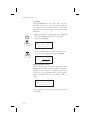
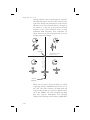
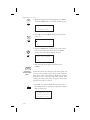
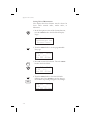
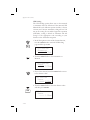
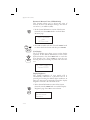
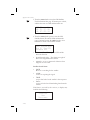
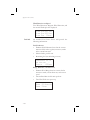
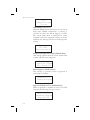
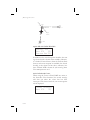
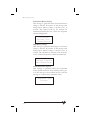
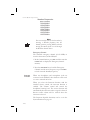
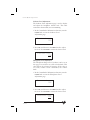
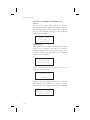
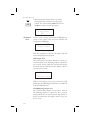
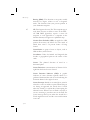
5. You can also select the waypoint by the facility
name. As you turn the LARGE knob to the
city/facility field.
PDX AIRPORT
PORTLAND
city
OR USA
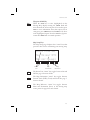
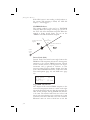
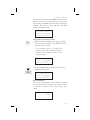
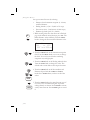
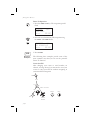
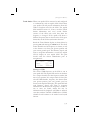
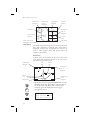
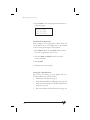
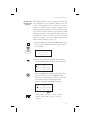
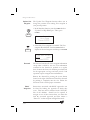
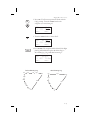
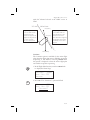
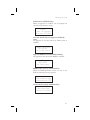
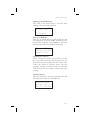
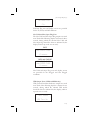
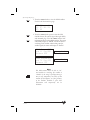
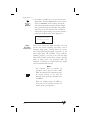
Multiple (duplicate) facilities, identifiers, or cities
with the same name will have a “dup” between the
city/facility and state on the bottom row.
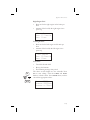
PDX AIRPORT
PORTLAND
city dup OR USA
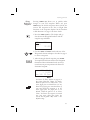
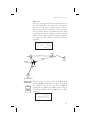
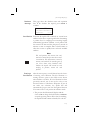
SEL
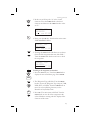
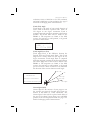
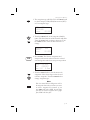
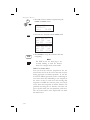
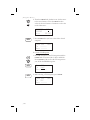
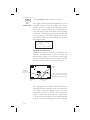
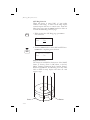
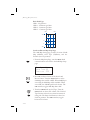
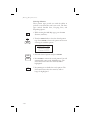
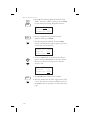
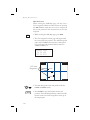
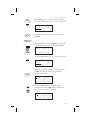
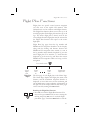
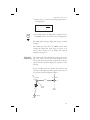
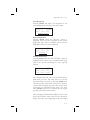
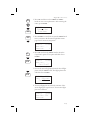
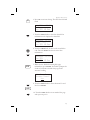
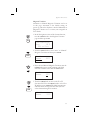
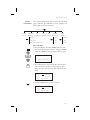
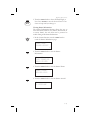
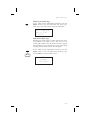
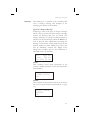
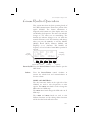
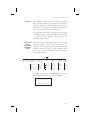
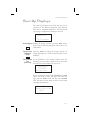
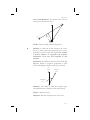
6. Press SEL so the whole name flashes. Turn the
SMALL knob to view the waypoints with the same
city, facility name, or identifier.
TTD AIRPORT
PORTLAND
city dup OR USA
5-4