1
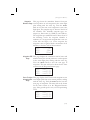
System Functions
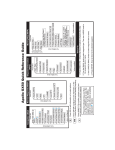
System
Information
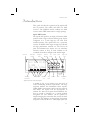
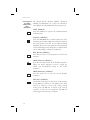
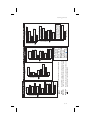
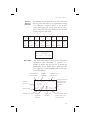
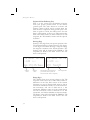
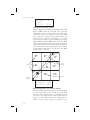
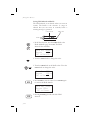
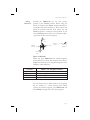
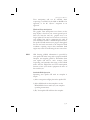
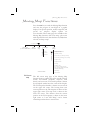
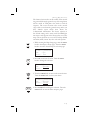
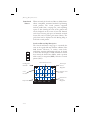
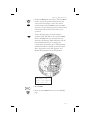
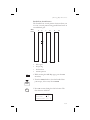
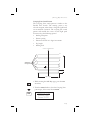
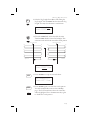
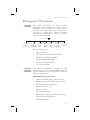
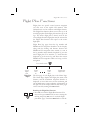
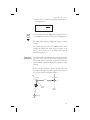
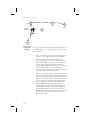
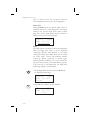
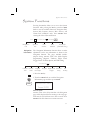
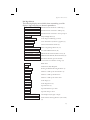
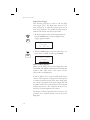
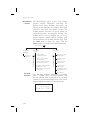
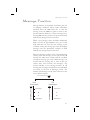
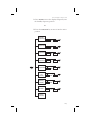
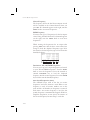
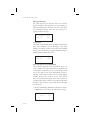
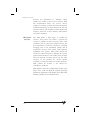
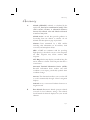
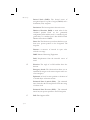
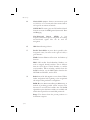
The System Information area provides the following
pages: Software and Database Version, Display test,
Owner Info, and Date and Time, .
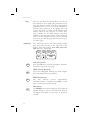
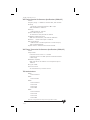
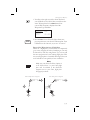
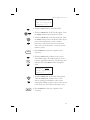
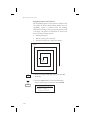
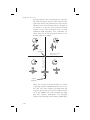
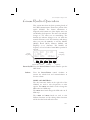
Turn LARGE Knob
Date
& Time
SW Ver &
Fuel
Baro
Test
Display
Serial No. Measure Measure Display Brightness
SYS
ENTER
Owner
Name
Database
Default
Address
GPS Sensor
High
Phone
Comm Radio (GX60/65 Only)
Low
Aircraft
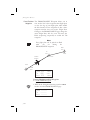
Date and Time
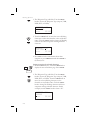
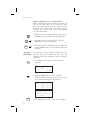
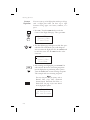
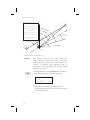
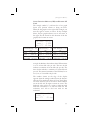
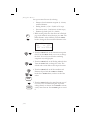
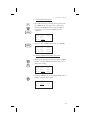
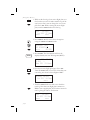
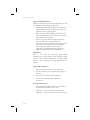
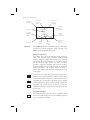
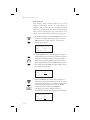
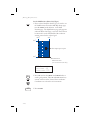
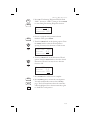
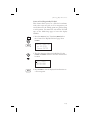
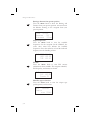
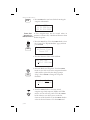
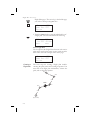
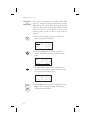
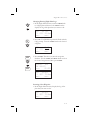
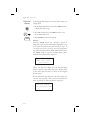
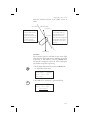
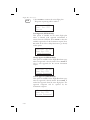
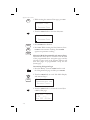
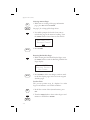
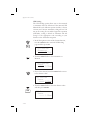
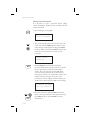
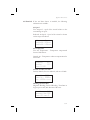
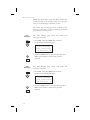
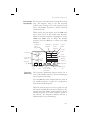
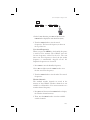
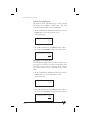
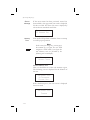
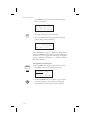
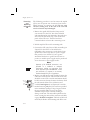
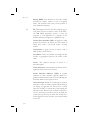
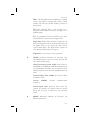
1. Press the SYS key. Turn the LARGE knob to reach
the System Information function and press ENTER.
Turn the LARGE knob to the Date and Time page.
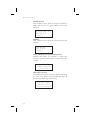
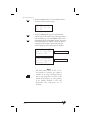
System Info
Press ENTER
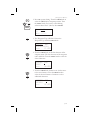
SEL
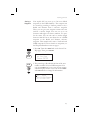
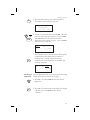
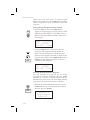
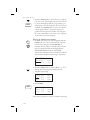
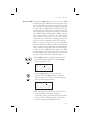
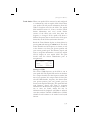
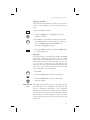
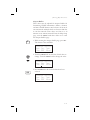
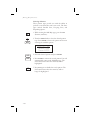
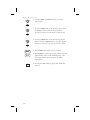
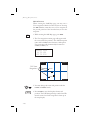
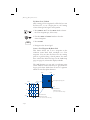
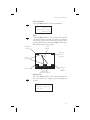
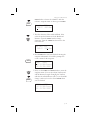
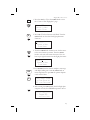
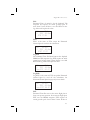
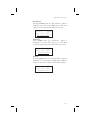
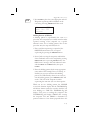
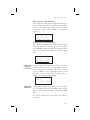
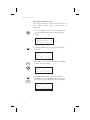
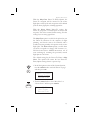
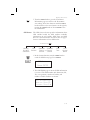
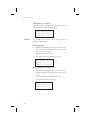
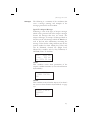
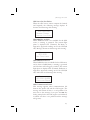
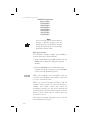
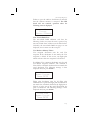
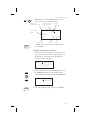
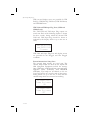
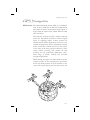
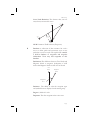
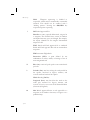
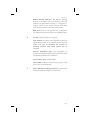
2. This information is provided by the GPS satellites
and you will not usually need to change it. Press
SEL to reset the date and time. The Day value will
flash.
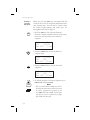
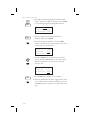
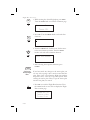
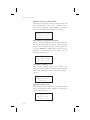
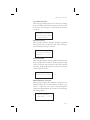
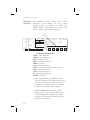
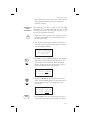
Date: 03 MAR 97
Time: 23:24 UTC
SEL to Reset
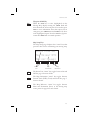
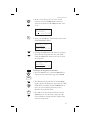
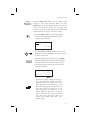
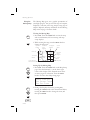
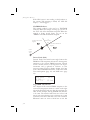
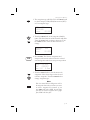
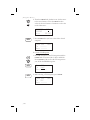
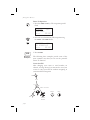
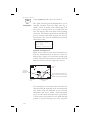
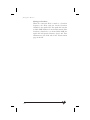
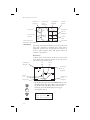
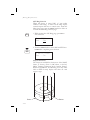
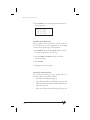
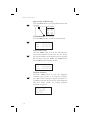
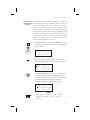
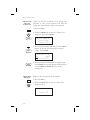
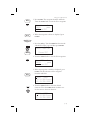
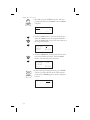
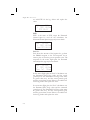
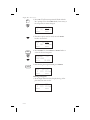
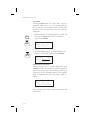
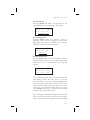
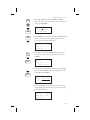
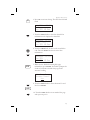
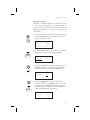
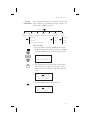
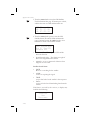
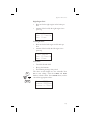
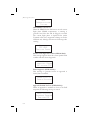
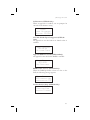
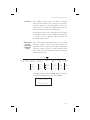
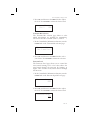
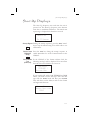
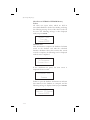
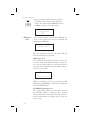
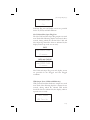
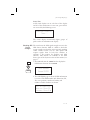
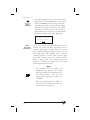
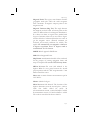
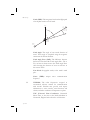
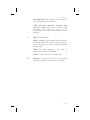
4. Turn the SMALL knob to choose the day.
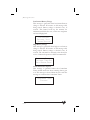
Date: 24 MAR 97
Time: 23:24 UTC
SEL to Reset
7-11