1
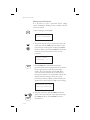
Moving Map Functions
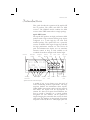
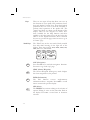
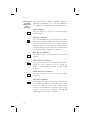
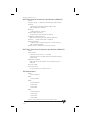
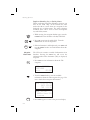
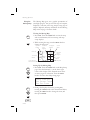
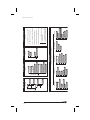
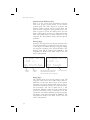
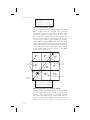
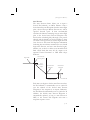
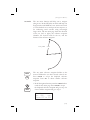
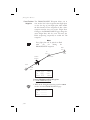
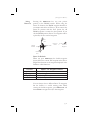
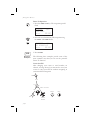
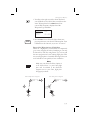
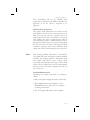
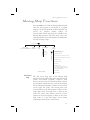
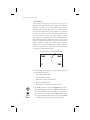
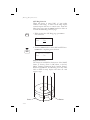
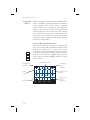
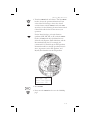
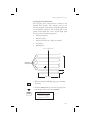
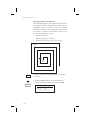
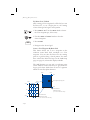
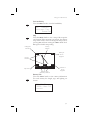
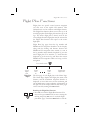
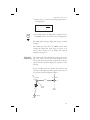
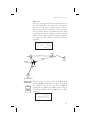
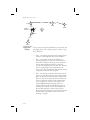
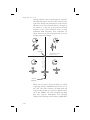
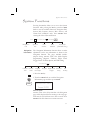
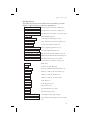
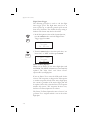
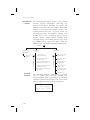
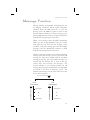
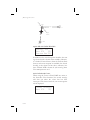
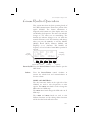
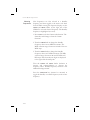
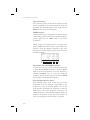
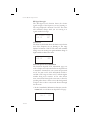
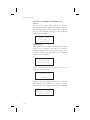
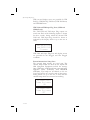
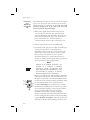
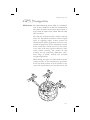
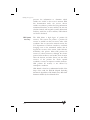
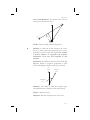
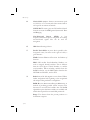
If you want to fly to the Bravo-Charlie 3 corner of the
45°N and 123°W grid, you would define the corner as
a USER waypoint with the name “53BC3.” The SAR
position is set to 40°N and 120°W.
124º
1
123º
46º
2
a
b
a
a
c
b
Basic Grid
User Waypoint
53BC3
b
d
c
b
a
d
C
a
c
4
3
c
b
d
d
c
d
45º
New SAR Position
Reference Point
(i.e. Lat 45 and Lon 123)
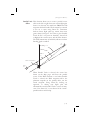
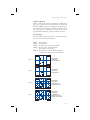
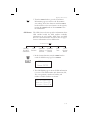
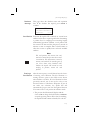
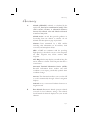
The “5” comes from the 5° added to 40°N. The next
number, “3”, comes from the 3° added to 120°W. The
first letter, “B”, notes the 30’ grid divisions. The
second letter, “C”, notes the 15’ grid division.
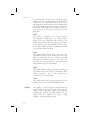
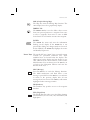
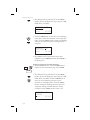
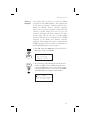
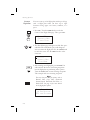
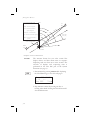
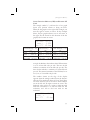
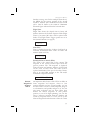
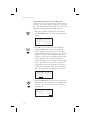
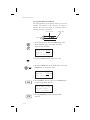
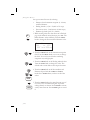
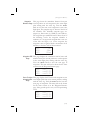
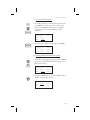
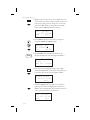
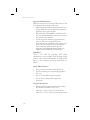
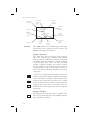
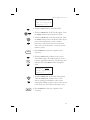
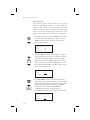
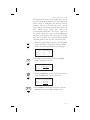
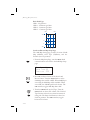
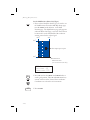
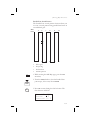
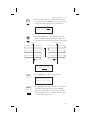
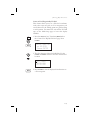
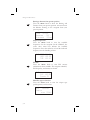
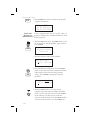
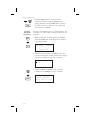
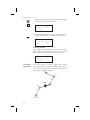
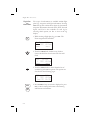
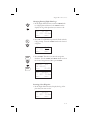
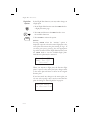
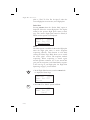
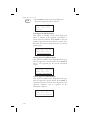
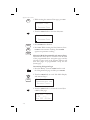
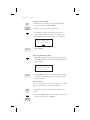
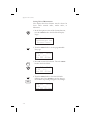
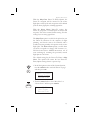
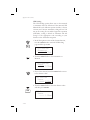
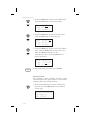
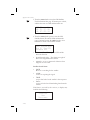
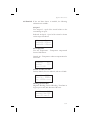
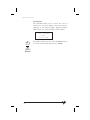
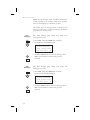
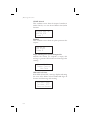
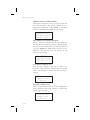
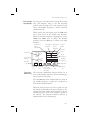
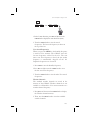
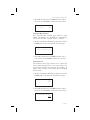
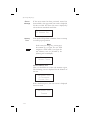
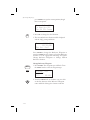
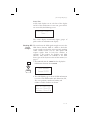
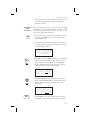
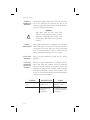
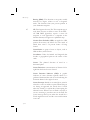
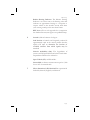
1. Press the DB smart key. Turn the LARGE knob to
the “Create User Wpt By Basic Grid” page. Press
ENTER.
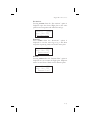
Create User Wpt
by BASIC GRID
Press ENTER
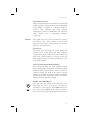
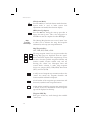
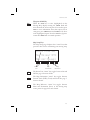
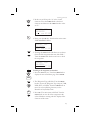
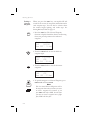
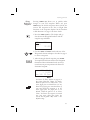
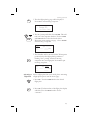
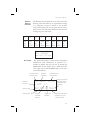
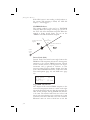
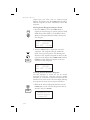
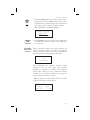
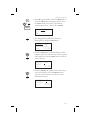
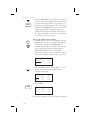
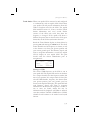
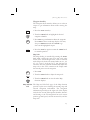
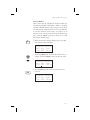
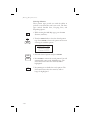
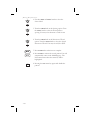
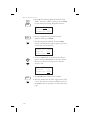
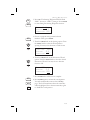
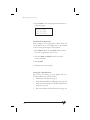
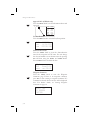
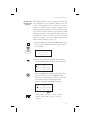
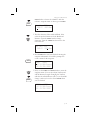
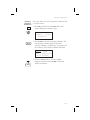
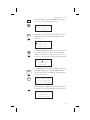
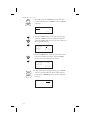
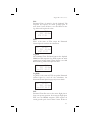
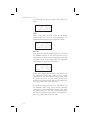
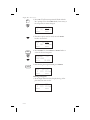
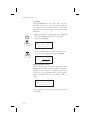
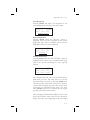
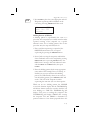
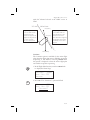
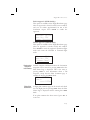
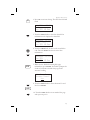
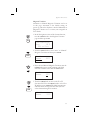
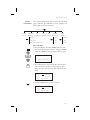
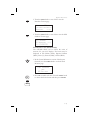
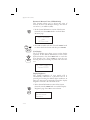
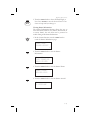
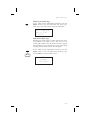
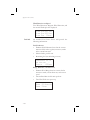
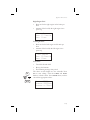
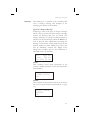
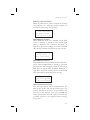
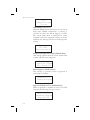
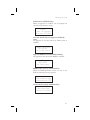
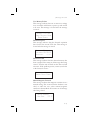
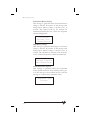
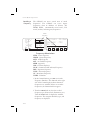
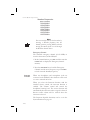
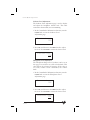
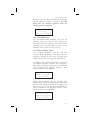
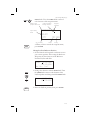
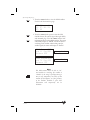
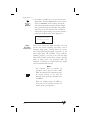
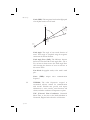
2. The first character of the Grid will flash. Use the
LARGE and SMALL knobs to select the desired Grid
location.
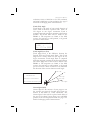
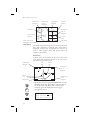
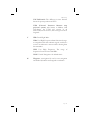
00A1_ USER
40°00.00N
120°00.00W
4-31