1
Waypoint Database
ENTER
Creating
Waypoint
Comments
INFO
SEL
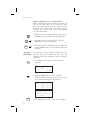
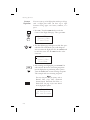
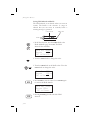
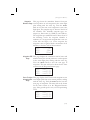
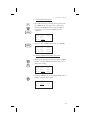
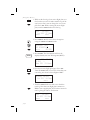
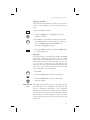
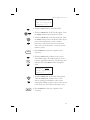
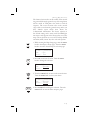
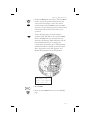
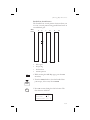
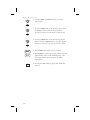
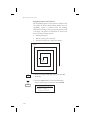
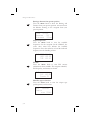
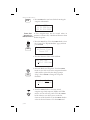
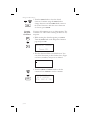
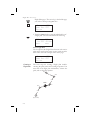
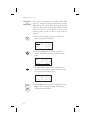
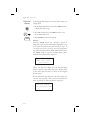
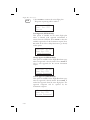
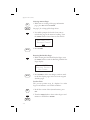
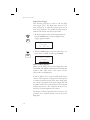
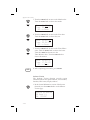
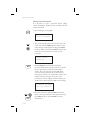
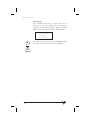
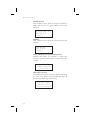
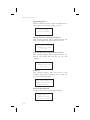
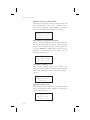
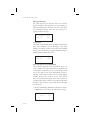
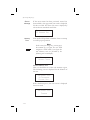
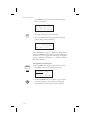
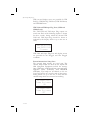
5. Turn the SMALL knob to select the desired
character. Continue using the SMALL knob to
change characters and the LARGE knob to move to
the desired character. After the correct characters
are chosen, press ENTER.
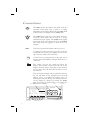
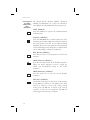
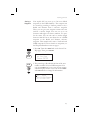
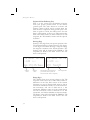
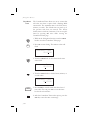
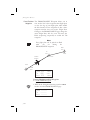
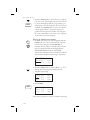
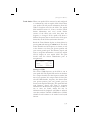
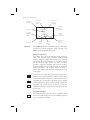
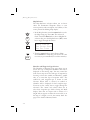
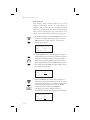
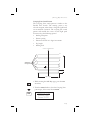
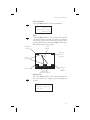
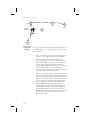
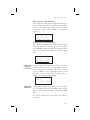
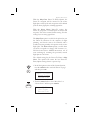
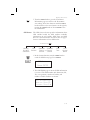
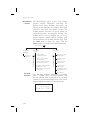
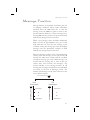
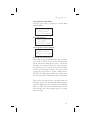
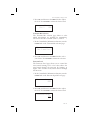
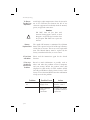
You may add comments to up to 200 waypoints. The
comments are added while viewing the Info for any
waypoint.
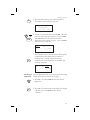
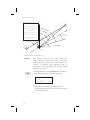
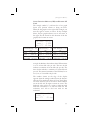
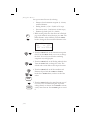
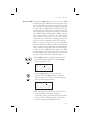
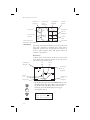
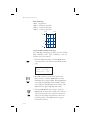
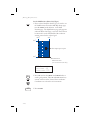
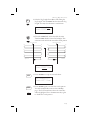
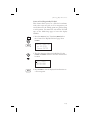
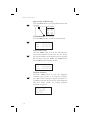
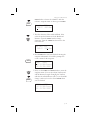
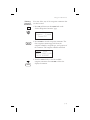
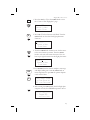
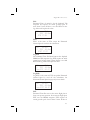
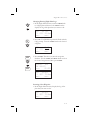
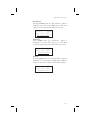
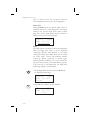
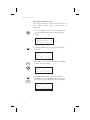
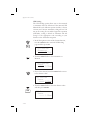
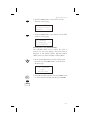
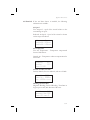
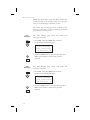
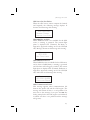
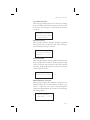
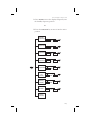
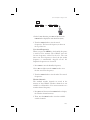
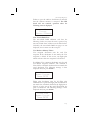
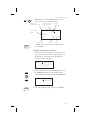
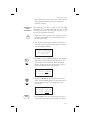
1. While viewing the desired waypoint, press INFO.
Turn the SMALL knob to the Waypoint Comment
page and press SEL.
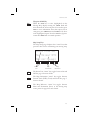
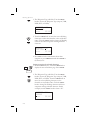
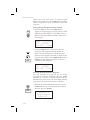
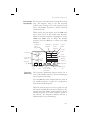
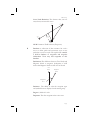
Waypoint Comment
Press SEL
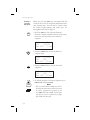
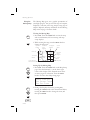
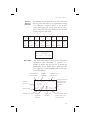
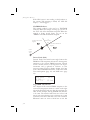
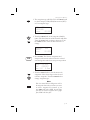
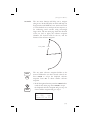
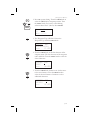
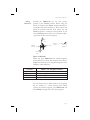
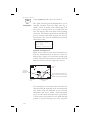
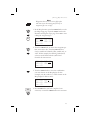
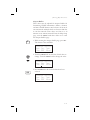
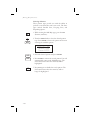
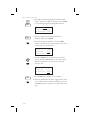
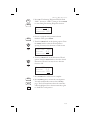
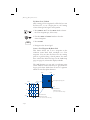
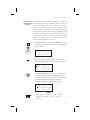
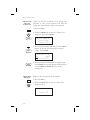
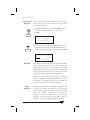
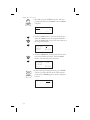
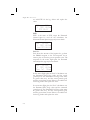
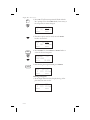
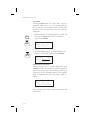
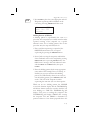
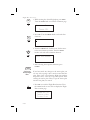
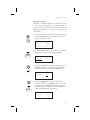
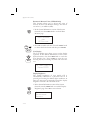
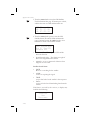
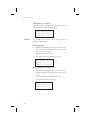
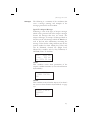
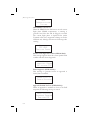
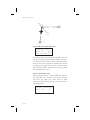
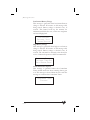
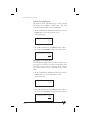
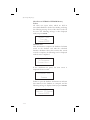
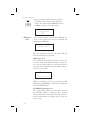
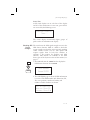
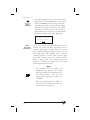
2. The first character flashes on a blank screen. You
can add 16 characters per line for three lines. Upper
case letters, numbers, and spaces are allowed.
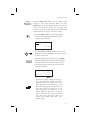
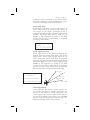
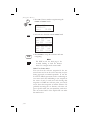
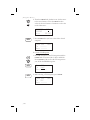
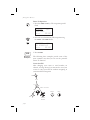
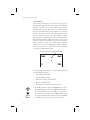
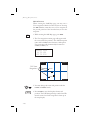
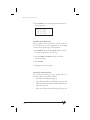
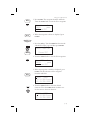
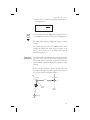
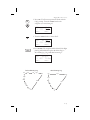
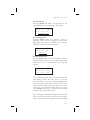
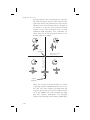
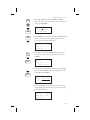
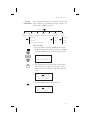
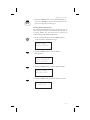
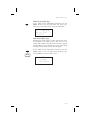
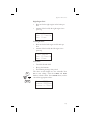
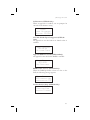
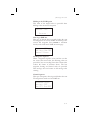
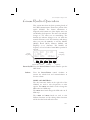
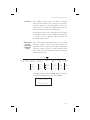
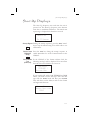
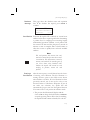
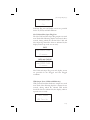
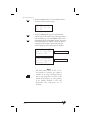
3. Turn the LARGE and SMALL knobs to edit the
comment. Press ENTER to save the comment.
ENTER
5-14
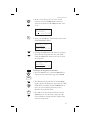
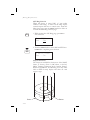
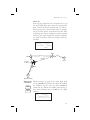
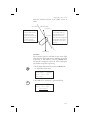
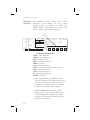
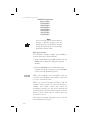
900FT TOWER 14NW
NW OF AIRPORT
STAY EAST OF TWR