1
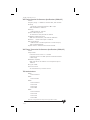
Waypoint Database
ENTER
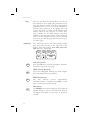
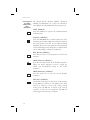
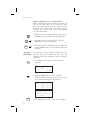
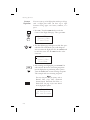
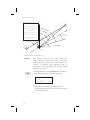
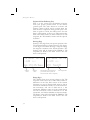
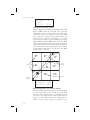
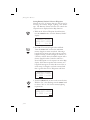
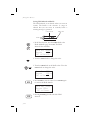
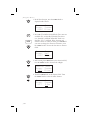
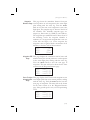
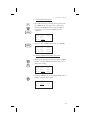
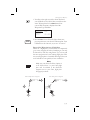
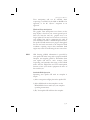
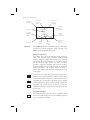
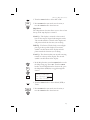
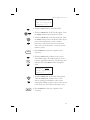
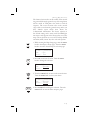
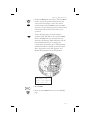
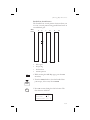
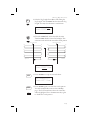
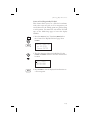
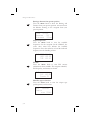
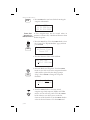
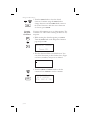
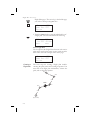
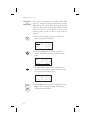
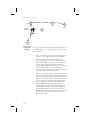
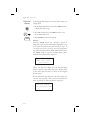
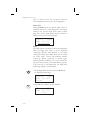
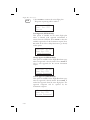
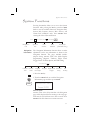
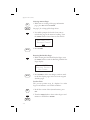
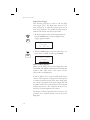
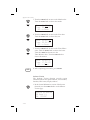
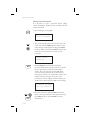
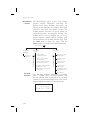
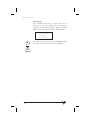
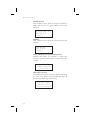
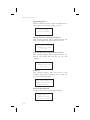
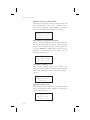
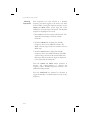
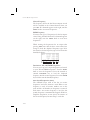
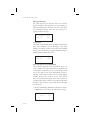
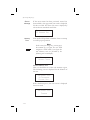
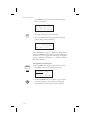
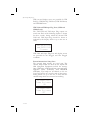
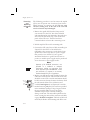
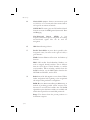
3. Press ENTER. The waypoint identifier will flash.
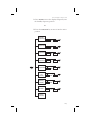
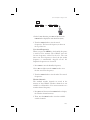
Turn the SMALL knob to view the User waypoints.
Find Wpt to Del
CABIN
user
Press ENT
ENTER
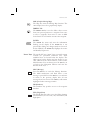
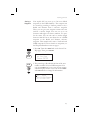
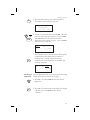
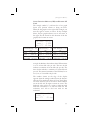
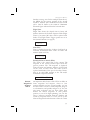
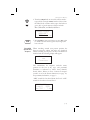
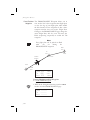
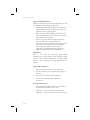
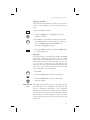
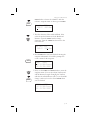
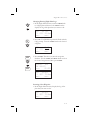
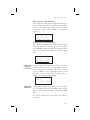
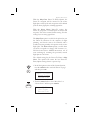
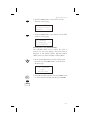
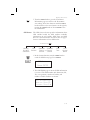
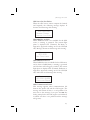
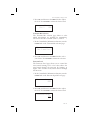
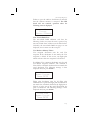
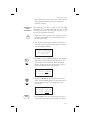
4. When the waypoint to delete is displayed, press
ENTER.
Modify User
Waypoint
DB
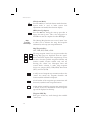
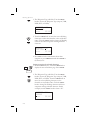
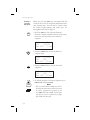
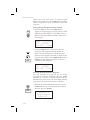
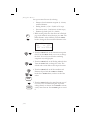
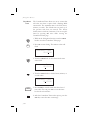
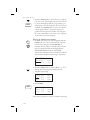
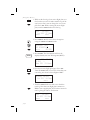
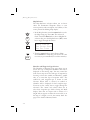
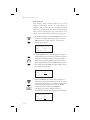
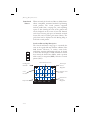
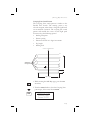
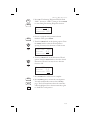
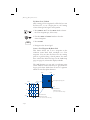
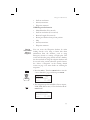
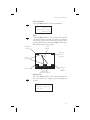
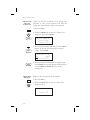
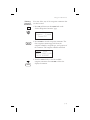
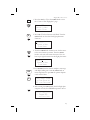
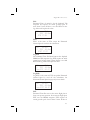
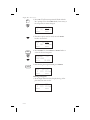
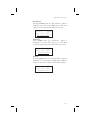
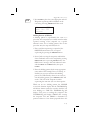
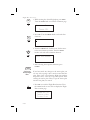
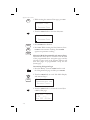
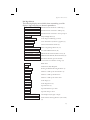
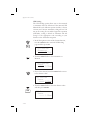
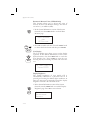
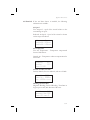
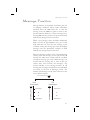
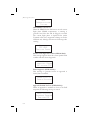
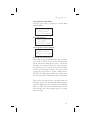
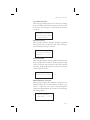
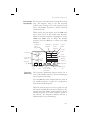
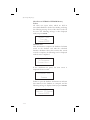
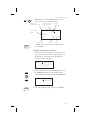
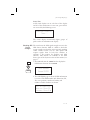
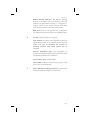
1. Press the DB key. Turn the LARGE knob to view the
“Modify User Wpt” page, and then press ENTER.
Modify User Wpt
ENTER
Press ENT
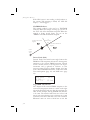
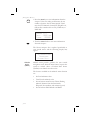
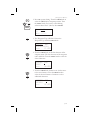
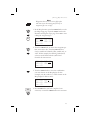
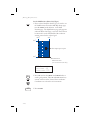
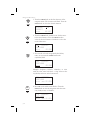
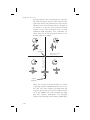
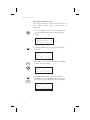
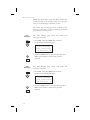
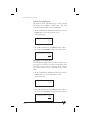
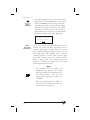
2. Turn the SMALL knob to view the User waypoints.
Find WPT to Mod
CABIN
user
Press ENT
ENTER
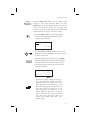
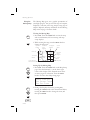
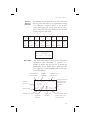
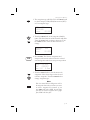
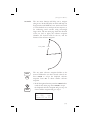
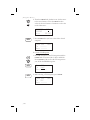
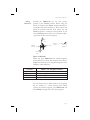
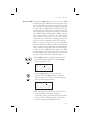
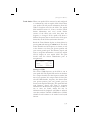
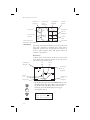
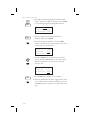
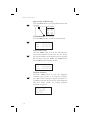
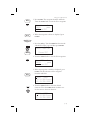
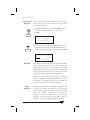
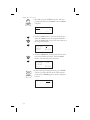
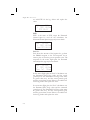
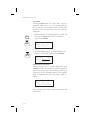
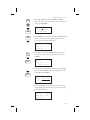
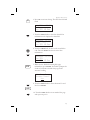
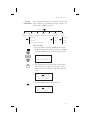
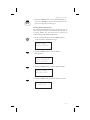
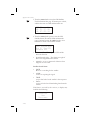
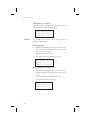
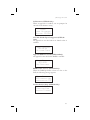
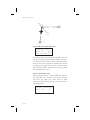
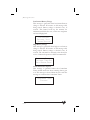
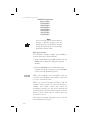
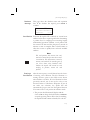
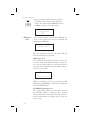
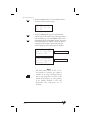
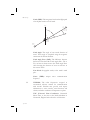
3. When the waypoint to modify is displayed, press
ENTER. The first character of the waypoint
identifier will flash.
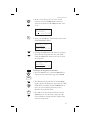
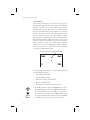
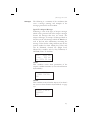
CABIN
USER
44°10.96N Rwlen
121°43.35W 0000’
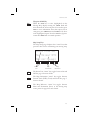
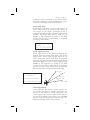
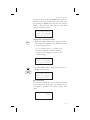
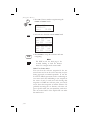
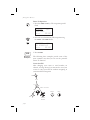
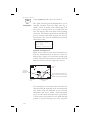
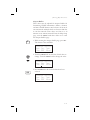
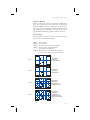
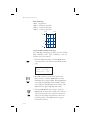
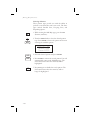
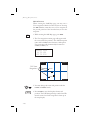
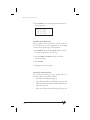
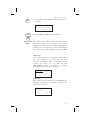
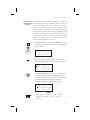
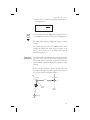
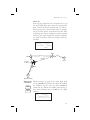
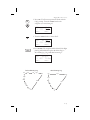
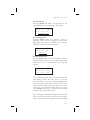
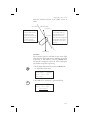
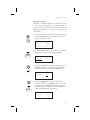
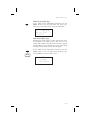
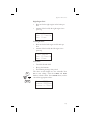
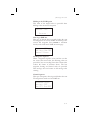
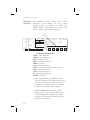
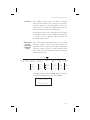
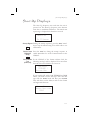
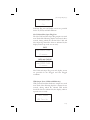
4. Turn the SMALL knob to select the desired
character. Turn the LARGE knob clockwise one
click to move to the next character.
HABIN
USER
44°10.96N Rwlen
121°43.35W 0000’
5-13