1
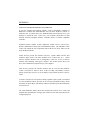
B.) If previously installed as “CD-ROM + GAME”:
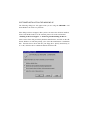
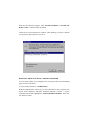
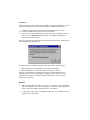
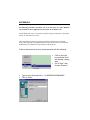
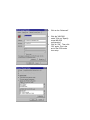
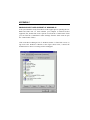
With the CD-ROM drive connected, go to the Control Panel. Click on “System”.
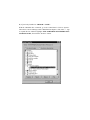
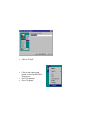
Then choose “Device Manager, under “Multifunction adapters” click at the “+” sign
to expand this list and then highlight “EXP PORTABLE MULTIMEDIA KIT:
CD-ROM+GAME”, then click the “Remove” button.