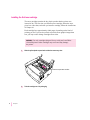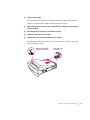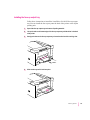
1
3
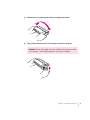
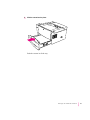
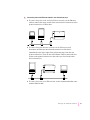
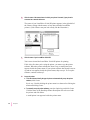
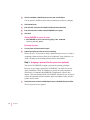
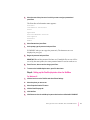
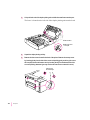
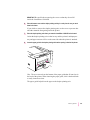
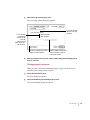
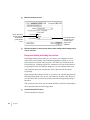
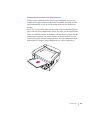
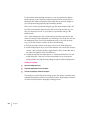
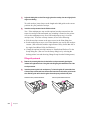
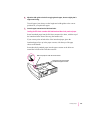
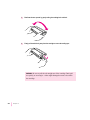
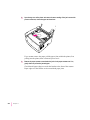
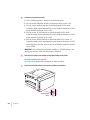
Distribute the toner powder by gently rocking the cartridge back and forth.
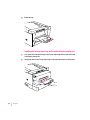
4
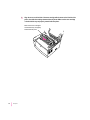
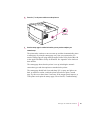
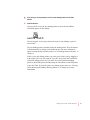
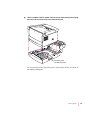
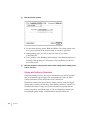
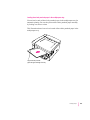
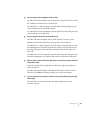
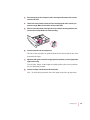
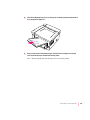
Firmly pull the tab directly away from the cartridge to remove the sealing tape.
WARNING Pull the tab straight out of the cartridge. Don’t pull too quickly
or at an angle—either might damage the seals on the cartridge.
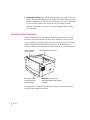
Setting Up the LaserWriter 12/640 PS
9