1
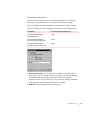
Selecting imaging options
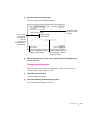
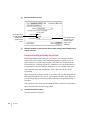
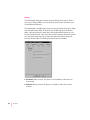
FinePrint provides smoother, less jagged printing of text characters. You can
set the printer’s default setting for the FinePrint feature to on or off. Users can
change this setting from the Print Options dialog box. To print high-quality
images with PhotoGrade, turn off FinePrint.
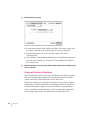
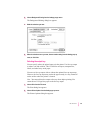
PhotoGrade enhances the look of printed images, such as scanned
photographs, by providing more shades of gray and better printed clarity and
contrast. If your LaserWriter 12/640 PS has been upgraded to a minimum of
12 MB of memory, you can use PhotoGrade. You can set the printer’s default
to have PhotoGrade turned on and off.
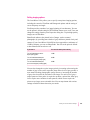
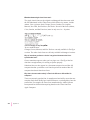
If you want to
You need this much printer memory
Turn on PhotoGrade or use the
duplex printing option
12 MB
Turn on PhotoGrade and duplex
print on all size paper (except legal)
20 MB
Turn on PhotoGrade and duplex
print on all size paper (including legal)
24 MB
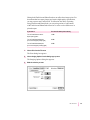
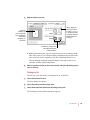
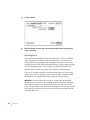
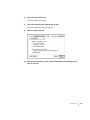
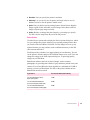
You can also change the way images print by increasing or decreasing the
number of gray levels used to reproduce them. More levels of gray produce a
more natural-looking photographic quality. However, increasing the number
of grays also decreases the resolution of the image. For each level of gray, a
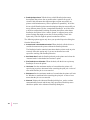
unique pattern of laser pulses is required to produce a printed dot. More gray
levels require more variations in such patterns, which in turn require the
printer to use larger, more noticeable dots. You can experiment with various
settings to find the balance that suits your needs.
Setting the Printer Default Settings
261