1
User Guide SoundPoint IP 650 Desktop Phone
Audio
Symptom
Problem
Corrective Action
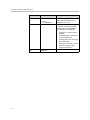
There is no audio on the
headset.
The connections are not correct.
Do one of the following:
•
Ensure the headset is plugged into the
jack marked Headset at the rear of the
phone.
•
Ensure the headset amplifier (if
present) is turned on and/or the
volume is correctly adjusted. If the
amplifier uses batteries, check that
they are fully charged.
Testing Phone Hardware
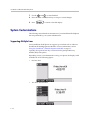
Your system administrator may ask you to access a diagnostics menu on your
phone to test your phone hardware. From the diagnostics menu, you can test
your phone’s microphones, speaker, handset, third-party headset (if present),
keypad mappings, and LCD display. See your system administrator for
instructions on how to perform these tests.
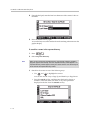
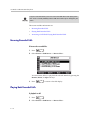
To test your phone hardware:
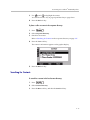
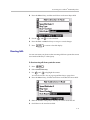
>> Press
, and then select Status > Diagnostics > Test Hardware
> Audio Diagnostics, Keypad Diagnostics, or Display Diagnostics.
6-8