1
Customizing Your SoundPoint® IP 650 Desktop Phone
In all other cases, the Backlight Idle intensity applies.
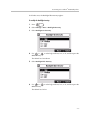
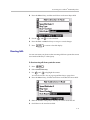
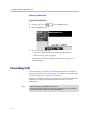
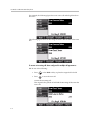
To modify the backlight intensity:
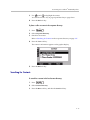
1. Press
.
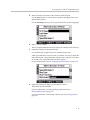
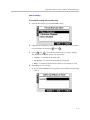
2. Select Settings > Basic > Backlight Intensity.
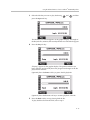
3. Select Backlight On Intensity.
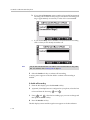
4. Use
or
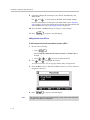
to select high, medium, low, or off, and then press the
Select soft key.
The default level is medium.
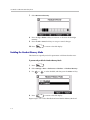
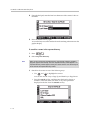
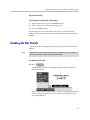
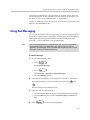
5. Select Backlight Idle Intensity.
6. Use
or
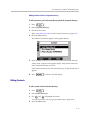
to select high, medium, low, or off, and then press the
Select soft key.
The default level is low.
2-5