1
User Guide SoundPoint IP 650 Desktop Phone
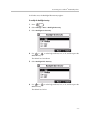
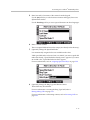
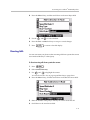
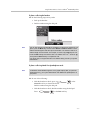
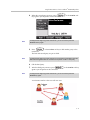
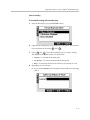
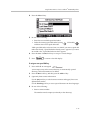
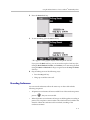
6. Press
to return to the idle display.
Answering a Call While Playing Back Recorded Calls
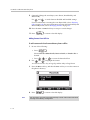
You are playing back a file and an incoming call arrives. Playback pauses and
the phone rings.
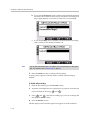
To answer a call using the speakerphone:
>> Do one of the following:
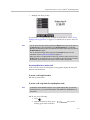
— Press
.
— If you were listening to the file through the phone’s speaker, press the
line key for the incoming call.
— If you were listening to the file through the phone’s speaker, press
, and then press the Answer soft key.
When the call ends, the idle display appears.
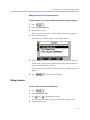
To answer a call using the handset:
>> Do one of the following:
— Lift the handset.
If you were listening to the file through the handset, hang up the
handset, and then pick it up again.
— If you were listening to the file through the handset, press the line key
for the incoming call.
— If you were listening to the file through the handset, press
, and then press the Answer soft key.
When the call ends, the idle display appears.
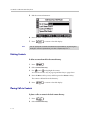
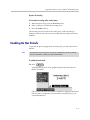
To answer a call using the headset:
>> Do one of the following:
— Press
.
— If you were listening to the file through the headdset, press the line
key for the incoming call.
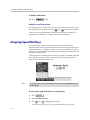
— If you were listening to the file through the headdset, press
, and then press the Answer soft key.
4 - 16