1
Using the Basic Features of Your SoundPoint® IP 650 Desktop Phone
Performing a Consultative Transfer
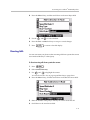
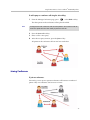
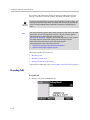
To transfer a call:
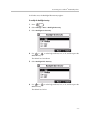
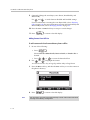
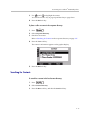
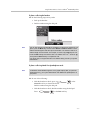
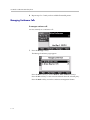
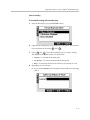
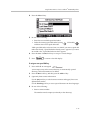
1. During a call, press the
or the Trnsfer soft key.
The active call is placed on hold.
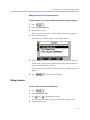
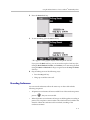
2. Do one of the following:
— Enter the number to which you want to transfer the call.
— Refer to Placing Calls on page 3-2.
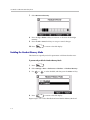
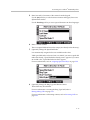
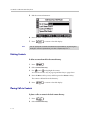
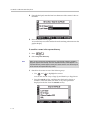
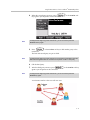
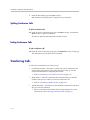
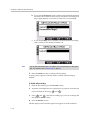
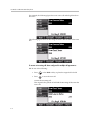
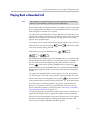
3. As soon as you hear the ring-back sound or after the party answers (and
you speak to the party), press
or the Trnsfer soft key.
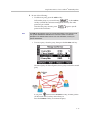
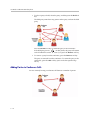
You can talk privately to the party to which you are transferring the call
before the transfer is completed.
If you are using a handset, the transfer can be completed by putting the
handset on the cradle.
You can cancel the transfer before the call connects by pressing the Cancel
soft key.
3 - 17