1
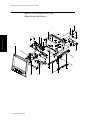
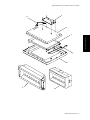
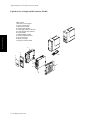
Front Housing Assembly
V24C/V26C & V24CT/
V26CT
$JLOHQW0$996HULHV6HUYLFH*XLGH
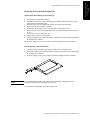
5HPRYLQJWKH)ODW3DQHO'LVSOD\$VVHPEO\
&$87,21
127(
)LQJHUSULQWVDQGGLUWEHWZHHQWKH)ODW3DQHO'LVSOD\DQGSODVWLFDQWLJODUHVFUHHQVKRZ
XSSURPLQHQWO\GXULQJLQVWUXPHQWRSHUDWLRQ7DNHFDUHQRWWRWRXFKWKH)ODW3DQHO
VFUHHQRUWKHLQVLGHRIWKHFOHDUSODVWLFDQWLJODUHVFUHHQ5HPRYHDQ\ILQJHUSULQWVRUGLUW
XVLQJDQRQUHVLGXHIRUPLQJFOHDQHUVXFKDVDOFRKRODQGDOLQWIUHHFORWK
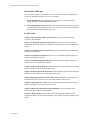
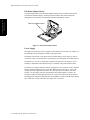
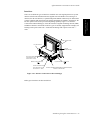
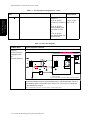
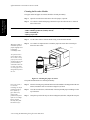
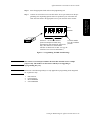
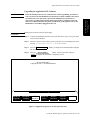
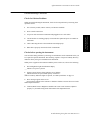
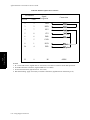
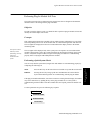
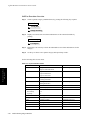
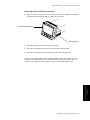
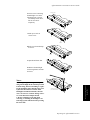
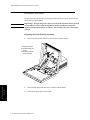
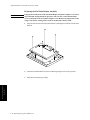
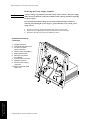
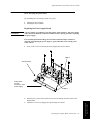
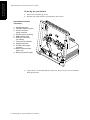
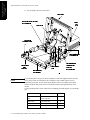
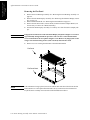
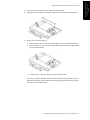
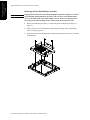
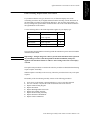
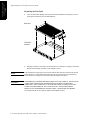
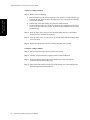
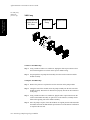
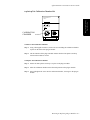
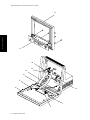
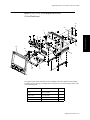
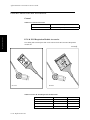
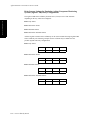
Remove Front Housing Assembly (see page 9-2).
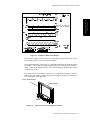
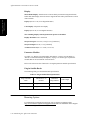
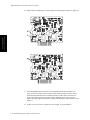
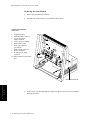
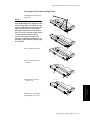
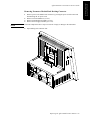
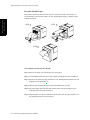
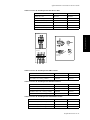
It is not necessary to completely remove the Board Shield to remove the Flat Panel Display Assembly. Just remove the 2 hex stand-off screws (see VWHS,"Removing the Board
Shield" on page 9-5). If you already removed the Board Shield, proceed to the next step.
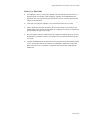
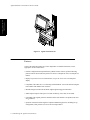
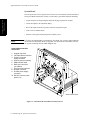
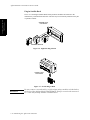
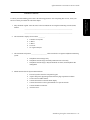
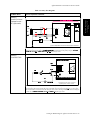
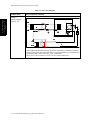
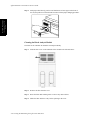
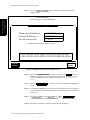
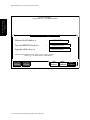
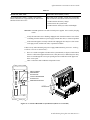
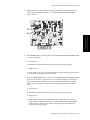
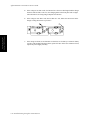
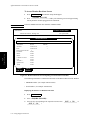
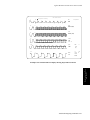
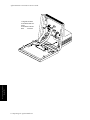
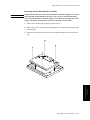
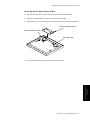
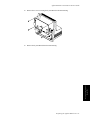
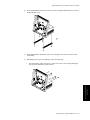
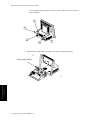
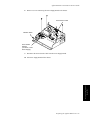
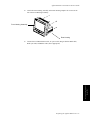
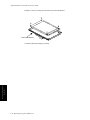
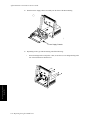
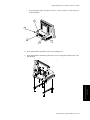
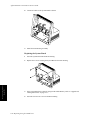
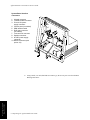
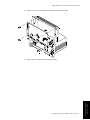
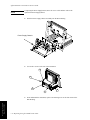
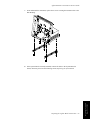
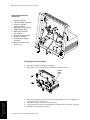
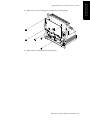
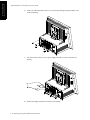
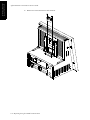
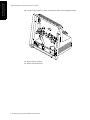
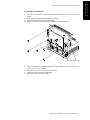
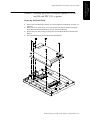
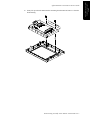
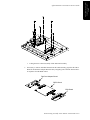
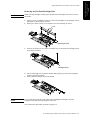
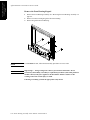
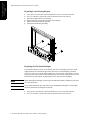
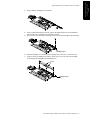
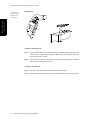
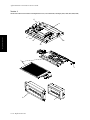
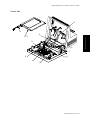
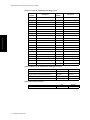
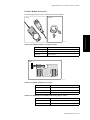
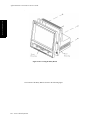
Remove the screw securing the Flat Panel Bracket to the Front Housing.
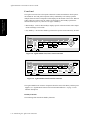
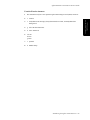
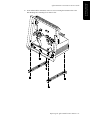
For the Standard version of the instrument, (i.e., no ground lug on Keypad cable) also remove
the screw next to the Keypad securing the Flat Panel Bracket to the Front Housing.
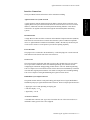
Step 3
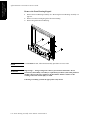
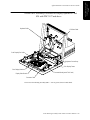
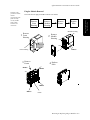
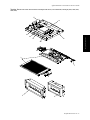
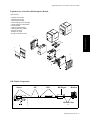
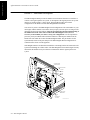
)URQW+RXVLQJ$VVHPEO\9&9&9&79&7