1
Model 9800 Central Station Receiver Installation/Operation Manual
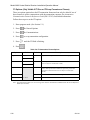
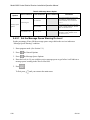
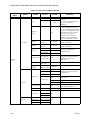
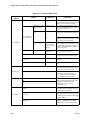
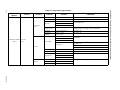
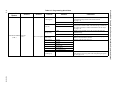
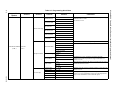
General
Options
Items
Level 1 Choices
Level 2 Choices
Level 3 Choices
Printer
Bkp Printer
Auto Comp
Bkp Auto Comp
Battery
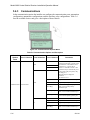
Communications
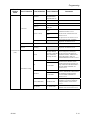
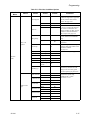
(cont.)
Annunciator
Configuration
Device
Yes or No
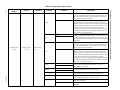
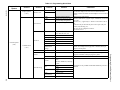
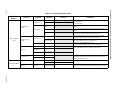
Comments
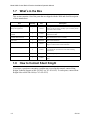
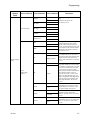
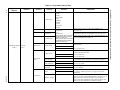
Yes = will annunciate if an event,
trouble or fault condition occurs.
No = no annunciation if an event,
trouble or fault condition occurs.
Default for all options: Yes.
See Section 5.4.3.6.
* Listen In option must be set to No
for UL installations.
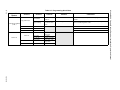
Line Fault
AC Power
Buffer Full
Listen In*
Call Pending
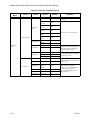
Aux Relay Cfg
Options the same as Annunciator Configuration.
See Section 5.4.3.7.
* Listen In option must be set to No for UL installations.
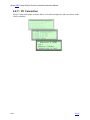
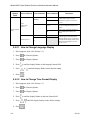
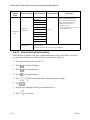
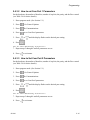
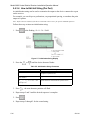
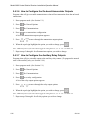
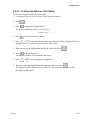
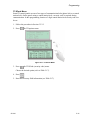
5.4.3.1 How to Set Up Port Function
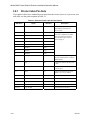
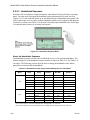
Port functions set up how each of the communication ports will be used. Before you start to
set up the port functions review the rules for port functions in Table 5-4.
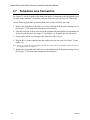
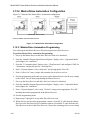
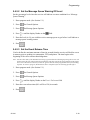
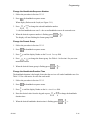
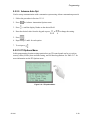
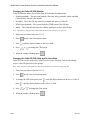
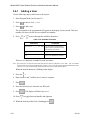
1. Enter program mode. (See Section 5.1.)
2. Press
for General Options.
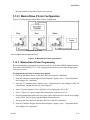
3. Press
for Communications.
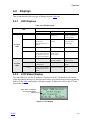
4. Press
to set port functions.
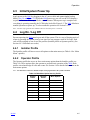
5. Press
or
6. Press
.
until the display flashes on the desired port setting.
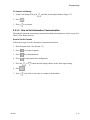
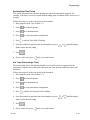
7. Repeat steps 5 through 6 until all port functions are set.
8. Press
5-14
to exit menu.
151018