1
TIS-Web 4.1
Quick Reference Guide
Summary – Data
Management
Help topics
TIS-Web 4.1 • Edition 08/2013
Switching between
applications
Logging on and off
Switchboard
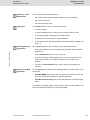
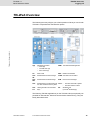
You can also get current information on
•
the master records and tachograph data that you are managing,
•
the archived data and
•
the user level being used.
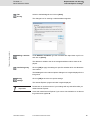
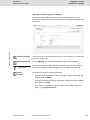
In the Help dropdown menu, you'll find commands
•
to open the Help,
•
to open the dialogue box for carrying out a full-text search in Help,
•
to access the Digital Tachograph Information Portal,
•
to display your service partner's contact data and
•
to download the two TIS-Web DMM services and the Offline Installer; see
page 13.
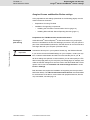
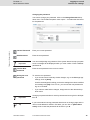
The Log Out dropdown menu enables you (at all program levels)
•
to log off TIS-Web if you have completed all your tasks in the TIS-Web
applications.
At the Switchboard level you can only log off.
Starting a TIS-Web
application
•
to switch to another TIS-Web application if you want to check the TISWeb Communicator for an urgent message you are expecting, for
instance.
•
to return to the Switchboard if you want to modify your settings, for
example.
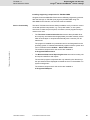
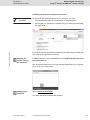
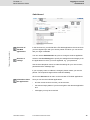
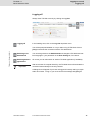
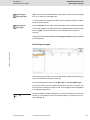
On the Services tab, select the TIS-Web application you want to start. If you
want to use
•
[TIS-Web DMM] select the function you want to access from the list and
then click on the relevant button to start the application.
•
[TIS-Web Communicator] click on the relevant button to start the application.
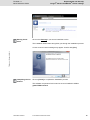
A message may appear asking you if you want to view only the webpage content that was delivered securely. Confirm with [Yes].
TU00-0881-0095501
© Continental Automotive GmbH
23