1
What you need to know before you start
IP Address
Your NetPort must have a unique IP address on your network.
The system administrator generally provides the IP address, subnet mask, and gateway or they will
opt for it to be allocated by the DHCP Server dynamically each time it is powered up – consequently it
can change.
The IP address must be within a valid range, unique to your network, and in the same subnet as your
PC, check with your IT administrator for appropriate addresses.
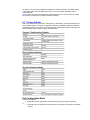
IP Address:
_______________________________________
Subnet Mask: _______________________________________
Gateway
_______________________________________
Hardware Address
You may need to know the unit's hardware address (also known as a MAC address). On later
NetPorts this is printed on the white label which is fixed to the underside of the unit. Earlier NetPorts
did not have this label so you may need to use Device Installer to detect this MAC address and write
it down if required.
The format is: 00-20-4a-XX-XX-XX, where XXs are unique numbers assigned to the product.
Assigning IP Addresses
The unit's IP address is set to 0.0.0.0 at the factory which established it in DHCP Client mode and will
attempt to obtain an IP address, Subnet & Gateway from a DHCP Sever.
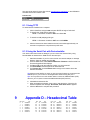
You have several options for manually assigning an IP to your unit. We recommend that you connect
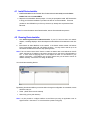
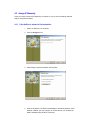
the NetPort to the network and assign the IP address using DeviceInstaller, which is on the NetPort
CDROM.