1
2. The LCD Control Panel
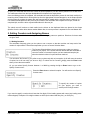
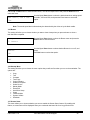
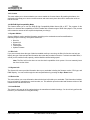
Figure 1-4 below shows the LCD Control Panel. This panel has a two-line by 20 character LCD display to provide
user feedback and eight push buttons to control the of the Disc Makers Forte operation. The functions for these
buttons are shown in Table 1-1.
Figure 1-4 LCD Control Panel Layout
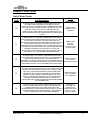
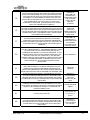
3. Menu Overview
This section provides an overview of the menu options. These menu options are explained in detail on the
referenced pages.
User Guide v.1.0
www.discmakers.com/techsupport
3