1
Programming Menu
•
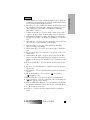
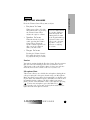
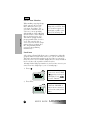
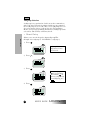
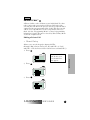
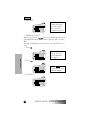
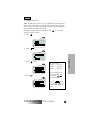
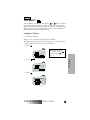
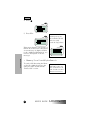
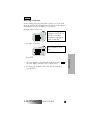
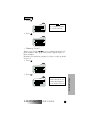
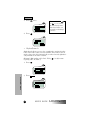
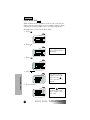
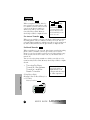
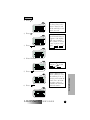
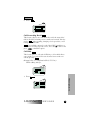
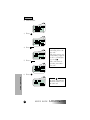
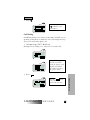
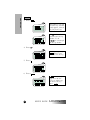
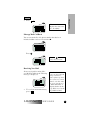
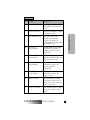
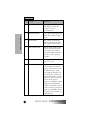
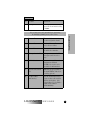
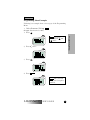
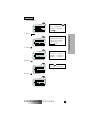
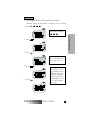
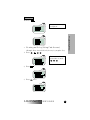
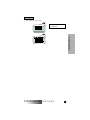
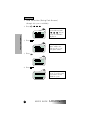
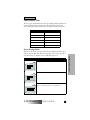
Editing an Entry (Using Fast Access)
(Example: Change the first number in your phone list to 555-5483.)
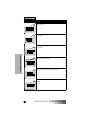
1. Press
,
,
2 ABC
,
0
.
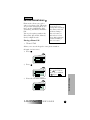
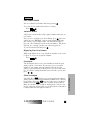
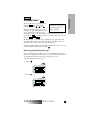
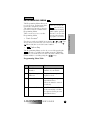
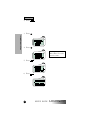
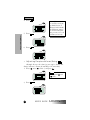
Fast Access can be used
from within any mode:
,
,
.
PHONE
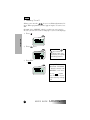
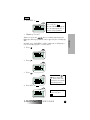
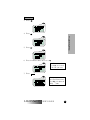
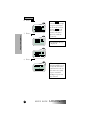
3. Press
PRVT
Programming Menu
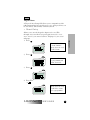
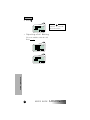
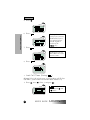
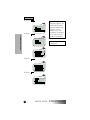
2. Press
GROUP
.
.
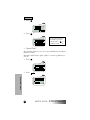
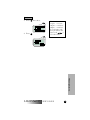
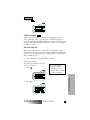
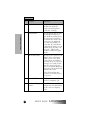
At this point, pressing
deletes the number and
name from your list.
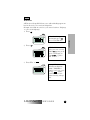
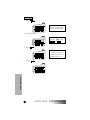
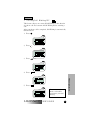
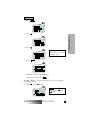
4. Press
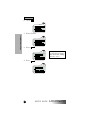
5. Press
.
.
LM2000/m370
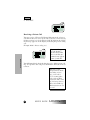
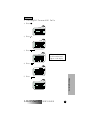
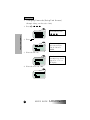
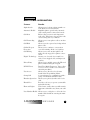
A stored phone entry can
be selected by: entering
the speed-dial location
or Memory Scroll. In
Radio ID, Talkgroup,
and Service Area List
Programming, an entry
is accessed by Memory
Scroll only.
USER’S GUIDE
61