1
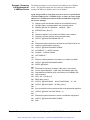
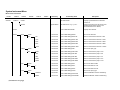
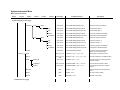
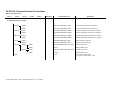
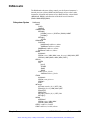
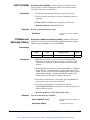
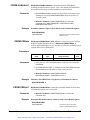
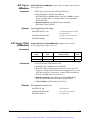
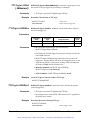
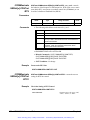
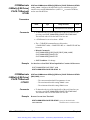
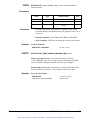
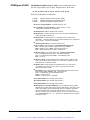
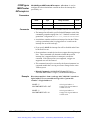
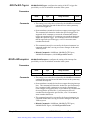
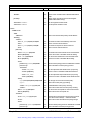
:COMMunicate
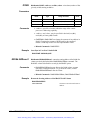
:SERial[n][:RECeive]
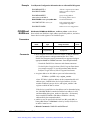
:PARity:CHECk?
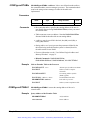
Example
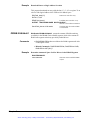
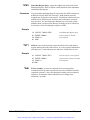
SYSTem:COMMunicate:SERial[n][:RECeive]:PARity:CHECk? returns
the state of parity checking.
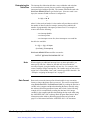
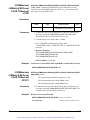
Query Parity Checking
SYST:COMM:SER0:PAR:CHEC?
enter statement
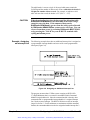
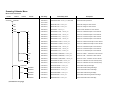
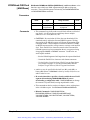
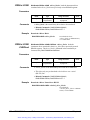
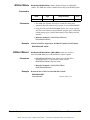
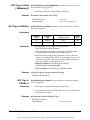
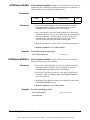
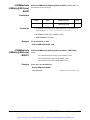
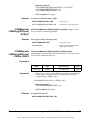
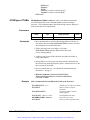
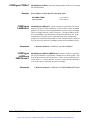
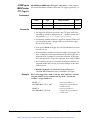
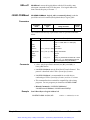
:COMMunicate
:SERial[n][:RECeive]
:SBITs
Statement enters 0 or 1.
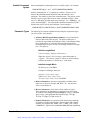
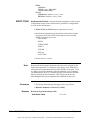
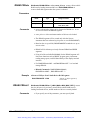
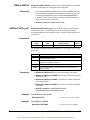
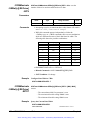
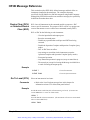
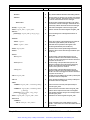
SYSTem:COMMunicate:SERial[n][:RECeive]:SBITs <sbits> sets the
number of stop bits to be used to transmit and receive data.
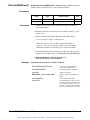
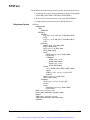
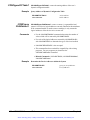
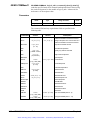
Parameters
Comments
Parameter
Name
Parameter
Type
Range of Values
Default
Units
<sbits>
numeric
1 | 2 | MIN | MAX
none
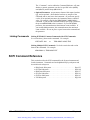
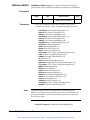
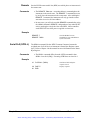
• Attempting to set sbits to other than those values shown will result in
an Error -222, "Data out of range".
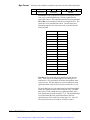
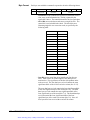
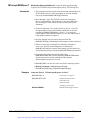
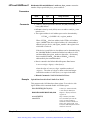
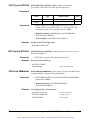
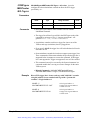
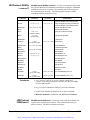
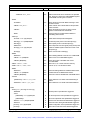
• While this command operates independently of either the …BITS or
…PARity <type> commands, there are two combinations which are
disallowed because of their data frame bit width. The following
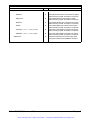
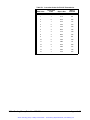
table shows the possible combinations:
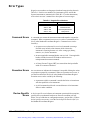
… BITS
… PARity <type>
… SBITs
Frame Bits
7
NONE
1
9 - disallowed
7
NONE
2
10
7
Yes
1
10
7
Yes
2
11
8
NONE
1
10
8
NONE
2
11
8
Yes
1
11
8
Yes
2
12 - disallowed
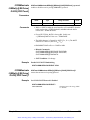
• DIAG:BOOT:COLD will set … SBITs to 1.
• Related Commands: SYST:COMM:SER[n][:REC]:BAUD
• *RST Condition: No change.
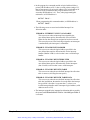
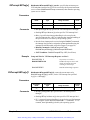
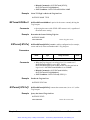
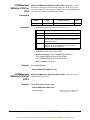
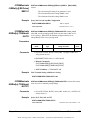
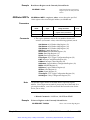
Example
Configure for 2 Stop Bits
SYST:COMM:SER0:SBITS 2
178
HP E1406A Command Reference
Chapter 5
Artisan Technology Group - Quality Instrumentation ... Guaranteed | (888) 88-SOURCE | www.artisantg.com