1
all-FO4700.book
Page 67 Friday, October 8, 1999
11:10 AM
Using AUTO Reception Mode
Using AUTO Reception Mode
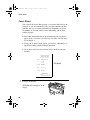
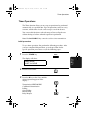
In AUTO reception mode, the fax machine automatically answers all
calls on two rings and receives incoming faxes.
♦ If you pick up an extension phone before the fax machine answers,
you can talk to the other party and/or receive a fax as explained
below in Using MANUAL Reception Mode.
Using MANUAL Reception Mode
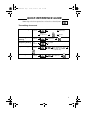
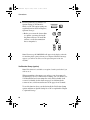
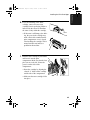
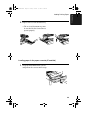
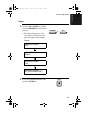
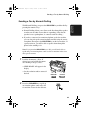
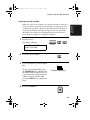
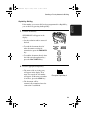
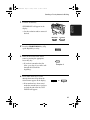
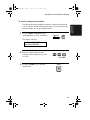
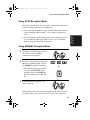
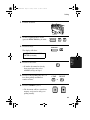
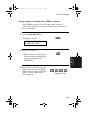
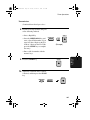
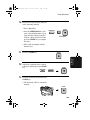
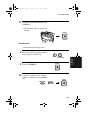
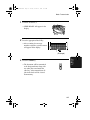
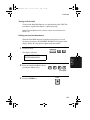
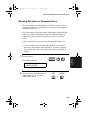
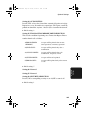
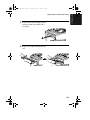
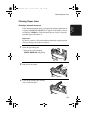
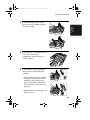
1
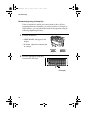
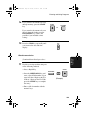
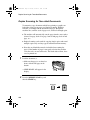
When the fax machine rings, answer
the call on an extension phone
connected to the same line.
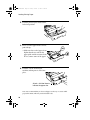
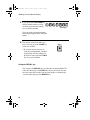
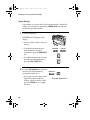
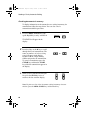
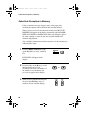
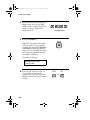
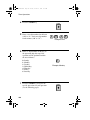
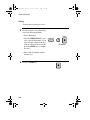
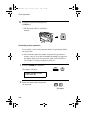
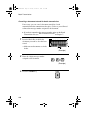
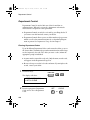
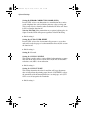
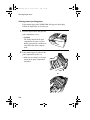
2
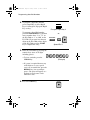
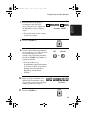
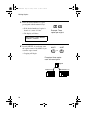
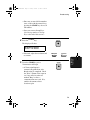
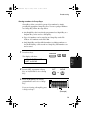
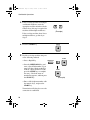
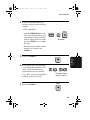
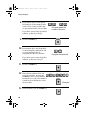
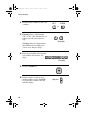
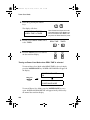
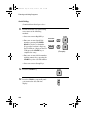
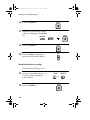
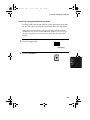
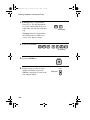
If you hear a fax tone, press 5, *, and
* on the telephone keypad, or press
the START key on the fax machine.
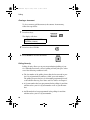
• If the other party first speaks with
you, press the START key after
speaking. (Press your START key
before the sender presses their Start
key.)
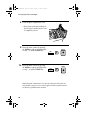
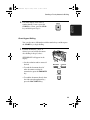
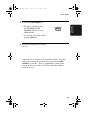
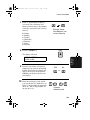
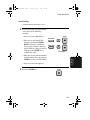
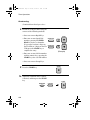
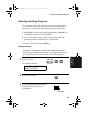
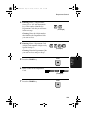
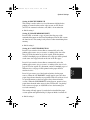
3
5
or
START
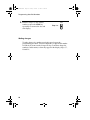
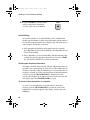
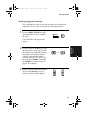
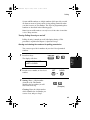
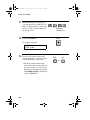
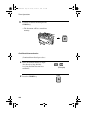
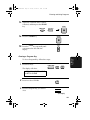
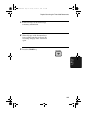
When RECEIVING appears in the
display, hang up.
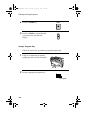
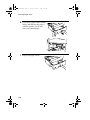
Note: In New Zealand, not all standard telephones will respond to incoming ringing when connected to the extension socket of the equipment.
67
3. Receiving
Documents
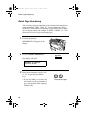
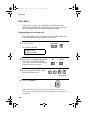
♦ You can change the number of rings on which the machine answers
calls by changing Option Setting 2. (See Chapter 6, Optional Settings.)