1
THE MINELAB EXPLORER II
PINPOINTING THE OBJECT
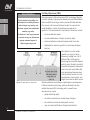
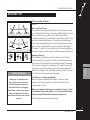
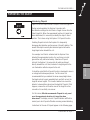
Introducing Pinpoint
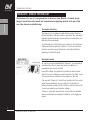
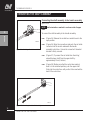
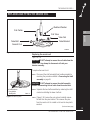
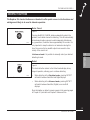
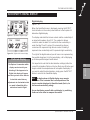
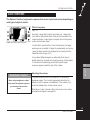
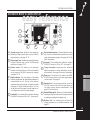
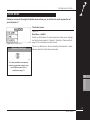
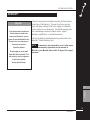
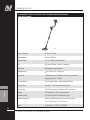
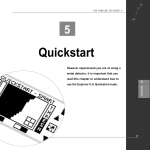
Figure 5.20. See also Pinpoint overview in Chapter 4: Control Panel, page 34.
Figure 5.20 Pinpoint shortcut button
During normal operation the Explorer II operates with
discrimination settings like Iron Mask or targets chosen from the
Select target list. When the approximate location of a target has
been determined, it is necessary to identify the object’s exact
position. This is done using the Explorer II’s Pinpoint function.
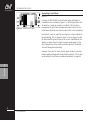
Enabling Pinpoint instructs the Explorer II to temporarily
disengage discrimination and become an ‘all metal’ detector. This
means that objects normally discriminated against will emit a
target signal when beneath the coil.
For example, Iron Mask is activated and the Explorer II has
detected the approximate location of a non-ferrous coin but
ignored the rusty nail buried nearby. Selection of Pinpoint
instructs the Explorer II to respond to all metals positioned
directly beneath the coil. Now, instead of a single signal for the
coin the detector will also respond to the nail.
5
QUICKSTART
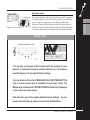
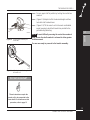
It should be noted that the Pinpoint function is designed to zone in
on a target with subsequent passes. For this reason it is
recommended that you maintain the same sweep height above
the target and not to pass repeatedly back and forth across the
target at various heights. This incorrect method can cause the
detector to desensitize and reduces the depth of Pinpoint. If this
happens, remove the coil from the area of the target for a few
seconds so its sensitivity can recover.
For this reason, Minelab recommends Pinpoint is only used
once the approximate location of a target has been
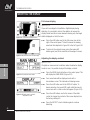
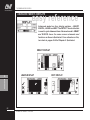
determined. The display screen’s Pinpoint indicator will flash to
remind you to turn Pinpoint off before resuming normal detecting.
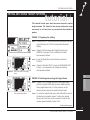
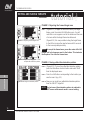
Instructions for the use of Pinpoint appear on the following page.
57
PINPOINTING THE OBJECT