1
16
When you finish the tour, continue with “Turning the Computer
On and Off.” Read the rest of this book for information that can
help you use your computer safely and efficiently. Then turn to
the Learning Macintosh section of your Macintosh User’s Guide
and begin the learning exercises there.
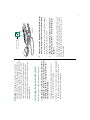
9. Follow the instructions on the screen and work through
the tour.
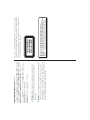
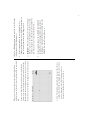
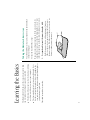
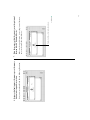
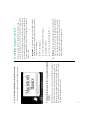
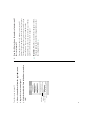
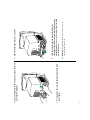
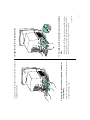
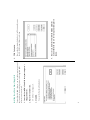
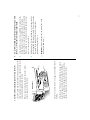
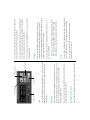
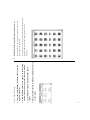
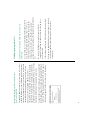
Now your screen should look like the following picture:
8. Press the mouse button twice in quick succession.
attach other equipment to the computer
unplug the computer
leave it for an extended period of time
n
n
n
s Warning: If you turn off the computer by pressing the main
power switch on the back of the computer before shutting it
down by either of the methods described next, you will lose
any work you haven’t previously saved onto a disk, and you
risk permanently losing open documents. s
S
move the computer
n
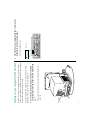
S Important: Use the main power switch on the back of the
computer to turn the computer completely off if you need to
do any of the following:
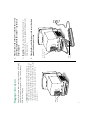
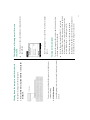
When you started up your computer for the first time, you
pressed the main power switch at the back of the computer. From
now on, you’ll leave the main power switch on the back in the on
position and shut down your computer with the keyboard or with
a menu command. Both methods of shutting down are described
in this section.
Turning the computer on and off