1
2
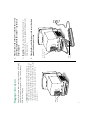
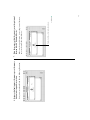
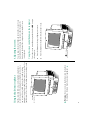
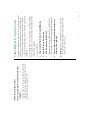
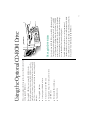
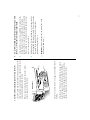
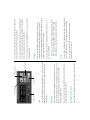
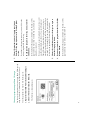
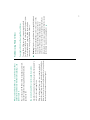
Main power
switch
S Important: To protect both yourself and the computer
from electrical hazards, the Macintosh LC 520 should remain
turned off until you are finished connecting its parts. Check
the main power switch at the back of the computer. Make sure
that the bottom of the switch (marked with an “j”) is
pressed in. S
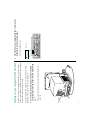
Plug in the Macintosh before connecting anything to it. The plug
grounds the computer and protects it from electrical damage
while you are setting up.
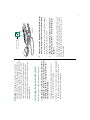
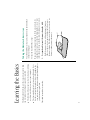
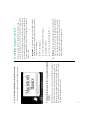
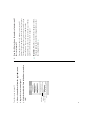
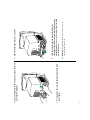
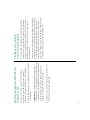
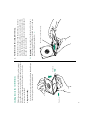
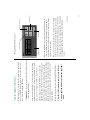
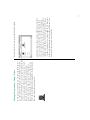
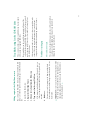
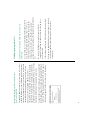
Plugging in the computer
Power
cord plug
Socket end of the
power cord
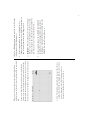
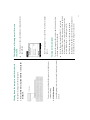
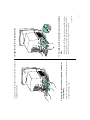
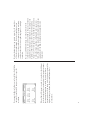
2. Plug the other end of the power cord into a three-hole
grounded outlet or power strip.
S Important: Be sure at least one end of the power cord is
within easy reach so that you can unplug the computer easily
when you need to. S
1. Plug the socket end of the power cord into the recessed
power plug (marked with the symbol ≤) on the back
of the computer.