1
Printing Lists and Reports
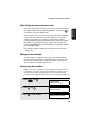
Transaction Report
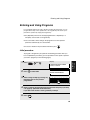
This report is printed out automatically after an operation is completed to
allow you to check the result. The fax machine is set at the factory to print out
the report only when an error occurs. If desired, you can change the setting to
have it printed out under a variety of other conditions. See Option Setting 5
(Print Selection) in Chapter 6.
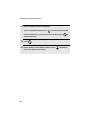
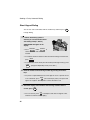
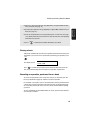
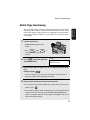
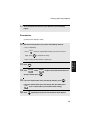
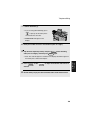
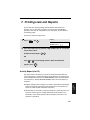
♦ If you wish to have the Transaction Report printed after a particular fax
transmission, press
REPORT
N/*
(flip up the Rapid Key overlay if it is down)
before performing the steps of the transmission. (To cancel printing of the
Transaction Report, press
STOP
.)
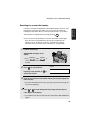
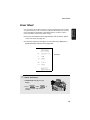
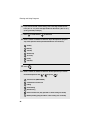
♦ The same headings appear in the Transaction Report as in the Activity
Report. See Activity Report in this chapter for an explanation of the
headings.
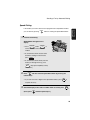
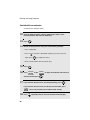
♦ The first page of the document will also appear below the report if the
7. Printing
Lists
document was sent from memory. If confidentiality is required, you can
prevent printing of the first page of the document by setting Option Setting
15 (Image Memory Print) to NO.
119