1
5.9 File Manager
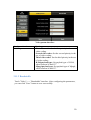
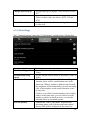
You can easily organize multiple files. The view of the File Manager as the
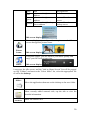
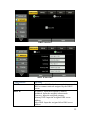
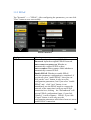
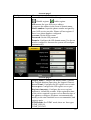
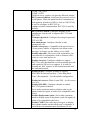
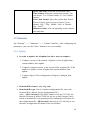
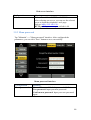
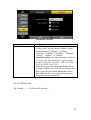
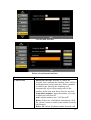
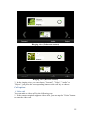
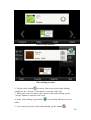
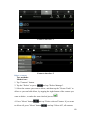
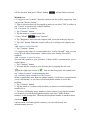
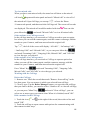
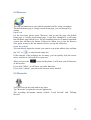
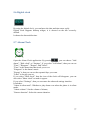
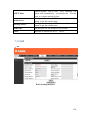
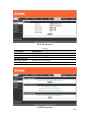
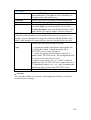
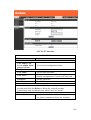
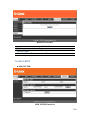
Figure 1 and Figure 2 are as follows:
Figure 1
Figure 2
"Figure 1" is showing files as icon, "Figure 2" is showing files as a list, the
form of the list will display the operation time of the file (need to be checked in
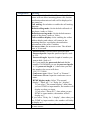
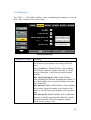
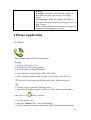
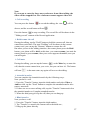
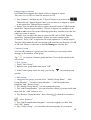
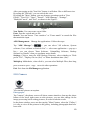
the settings). Long press a file, you can select "Open", "Copy", "Cut", "Paste",
"Delete", "Rename", "Select/Cancel" and "Properties" to operate.
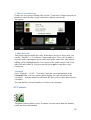
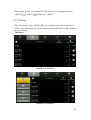
By taping the "Multiple" button, multiple files can be selected.
After your taping on the "Up" button, it can return to the previous page.
After your taping on the "History" button, it can show the resent historical of
operations.
79