1
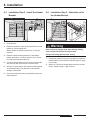
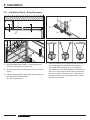
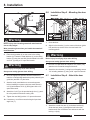
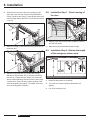
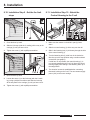
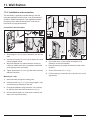
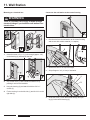
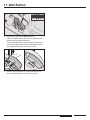
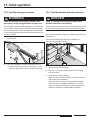
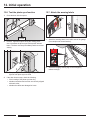
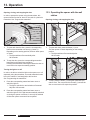
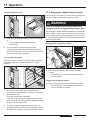
13. Operation Opening, closing, and stopping the door In order to operate the opener using the transmitter, this opener function first has to “learn in” the code of a particular transmitter. See “Program the transmitter”. 13.3. Operating the opener with the wall station Opening, closing, and stopping the door 1 1. To open and close the door, press the corresponding button on the transmitter one time (e.g. button 1). Depending on the starting position, the door either opens or closes. ⇒⇒ The light switches off automatically after 180 seconds. 1. To open and close, press the button (1) once. The door opens or closes depending on the starting position. ⇒⇒ The light switches off automatically after 180 seconds. 2. To stop the door, press the corresponding transmitter button during the open/close procedure. Pressing the transmitter button again causes the door to move back to its respective starting position. Turning the light on or off In order to be able to switch the light on the opener on or off separately using the transmitter, a second transmitter button has to be “learned in” and assigned to this function. See “Programming the transmitter”. 1. Press the corresponding transmitter button once to switch the light on. ⇒⇒ The light is switched on and switches off automatically after 180 seconds. 1 OP ST 2. To stop, press the button (1) during the open/close procedure once. The next press of the button (1) causes the door to move back to its respective position. 2. Press the corresponding transmitter buttononce to switch the light off. If the light was automatically switched on during the opener movement, it can only be switched off after the opener movement has completed. 38 en