1
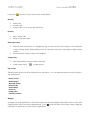
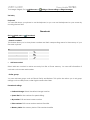
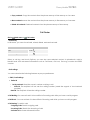
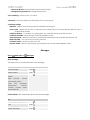
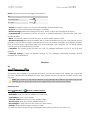
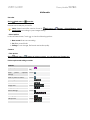
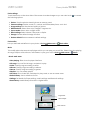
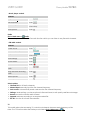
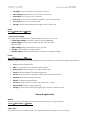
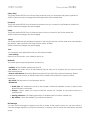
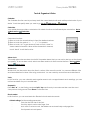
USER GUIDE Cherry Mobile T8 PRO Multimedia Recorder Go to: Main menu > Recorder. Record sound and play sound file. Note: Saved sound files can be found in Main menu > Audio folder according to your storage setting. • Select options In the recorder screen, Touch Memory > Phone/Memory card > , to view the following options: New record: Start new recording. List: Enter sound file list. Settings: To set storage, file format and audio quality. Camera • Take photos. Go to: Main menu > Camera or in Home screen, you can also press Camera key. Photo capture and settings controls Controls Capture photo Enter photo settings Touch key. capture / Press Camera Touch . Back to previous menu Touch . EV settings Touch Zoom in/out Touch Image size Touch Image quality Touch Effect settings Touch White balance Touch LED highlight Touch Delay timer Touch . Cont. shot Touch . . . . . . . .