1
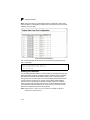
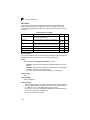
Spanning Tree Algorithm Configuration
3
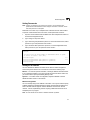
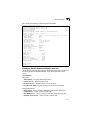
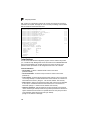
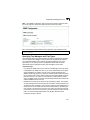
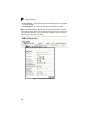
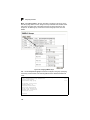
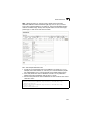
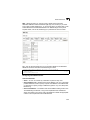
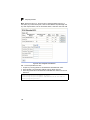
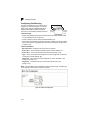
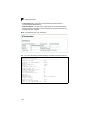
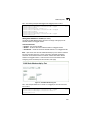
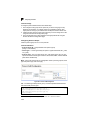
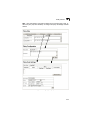
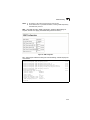
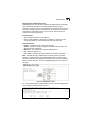
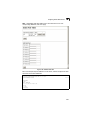
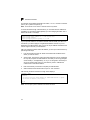
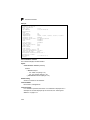
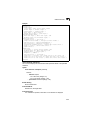
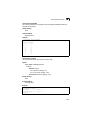
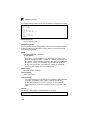
To use multiple spanning trees:
1. Set the spanning tree type to MSTP (STA Configuration, page 3-127).
2. Enter the spanning tree priority for the selected MST instance (MSTP VLAN
Configuration).
3. Add the VLANs that will share this MSTI (MSTP VLAN Configuration).
Note: All VLANs are automatically added to the IST (Instance 0).
To ensure that the MSTI maintains connectivity across the network, you must
configure a related set of bridges with the same MSTI settings.
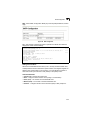
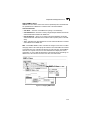
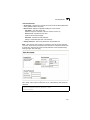
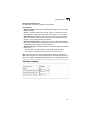
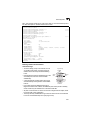
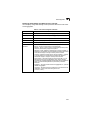
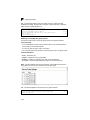
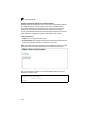
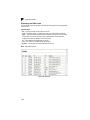
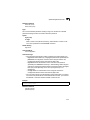
Command Attributes
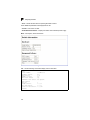
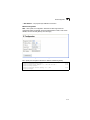
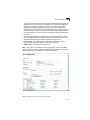
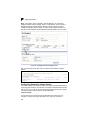
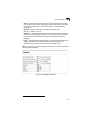
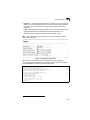
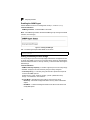
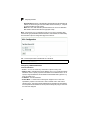
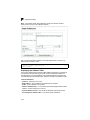
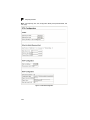
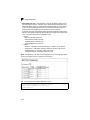
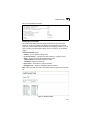
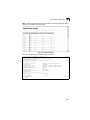
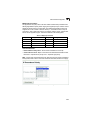
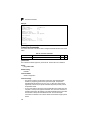
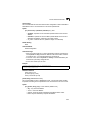
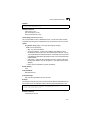
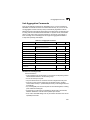
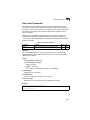
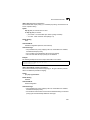
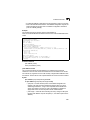
• MST Instance – Instance identifier of this spanning tree. (Default: 0)
• Priority – The priority of a spanning tree instance. (Range: 0-61440 in steps of
4096; Options: 0, 4096, 8192, 12288, 16384, 20480, 24576, 28672, 32768, 36864,
40960, 45056, 49152, 53248, 57344, 61440; Default: 32768)
• VLANs in MST Instance – VLANs assigned this instance.
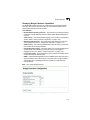
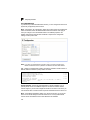
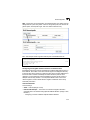
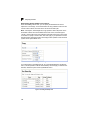
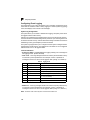
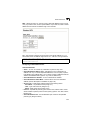
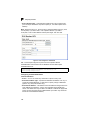
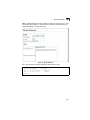
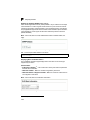
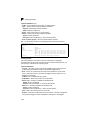
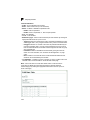
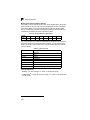
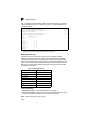
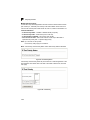
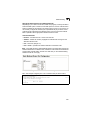
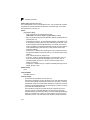
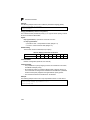
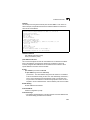
• MST ID – Instance identifier to configure. (Range: 0-4094; Default: 0)
• VLAN ID – VLAN to assign to this selected MST instance. (Range: 1-4093)
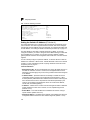
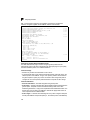
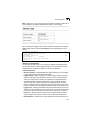
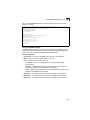
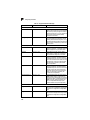
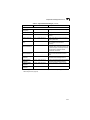
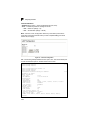
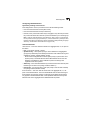
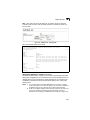
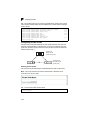
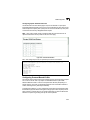
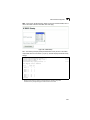
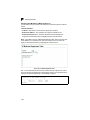
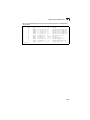
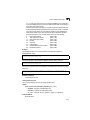
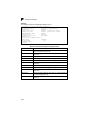
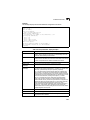
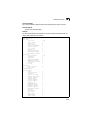
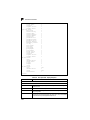
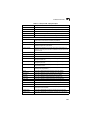
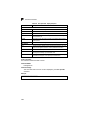
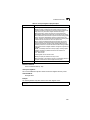
The other global attributes are described under “Displaying Global Settings,” page 3-124. The
attributes displayed by the CLI for individual interfaces are described under “Displaying Interface
Settings,” page 3-131
3-137