1
4
Command Line Interface
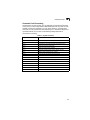
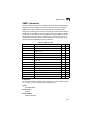
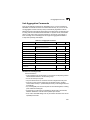
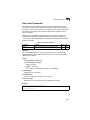
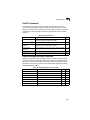
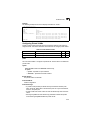
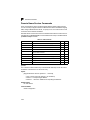
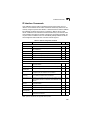
Interface Commands
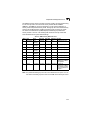
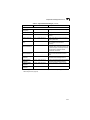
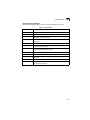
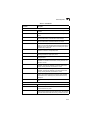
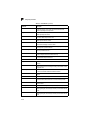
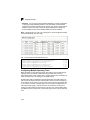
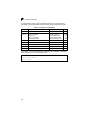
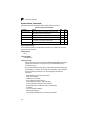
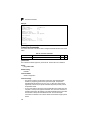
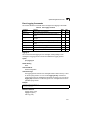
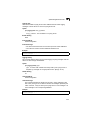
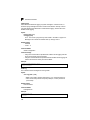
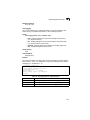
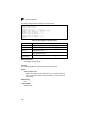
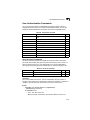
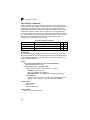
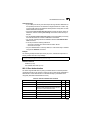
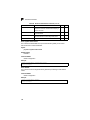
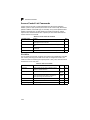
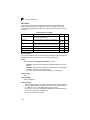
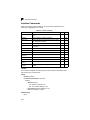
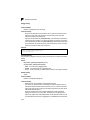
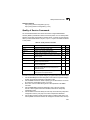
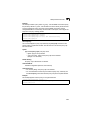
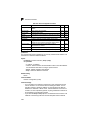
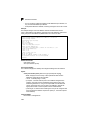
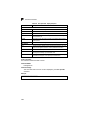
These commands are used to display or set communication parameters for an
Ethernet port, aggregated link, or VLAN.
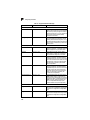
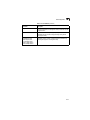
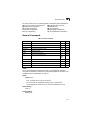
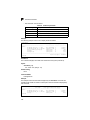
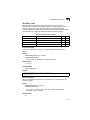
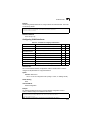
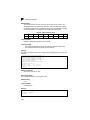
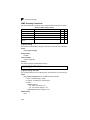
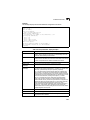
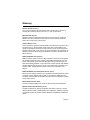
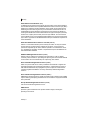
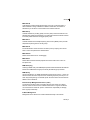
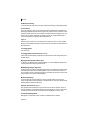
Table 4-43 Interface Commands
Command
Function
interface
Configures an interface type and enters interface configuration GC
mode
Mode
Page
4-120
description
Adds a description to an interface configuration
IC
4-121
speed-duplex
Configures the speed and duplex operation of a given interface IC
when autonegotiation is disabled
4-121
negotiation
Enables autonegotiation of a given interface
IC
4-122
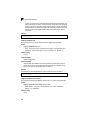
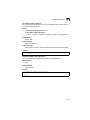
capabilities
Advertises the capabilities of a given interface for use in
autonegotiation
IC
4-123
flowcontrol
Enables flow control on a given interface
IC
4-124
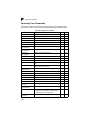
media-type
Force port type selected for combination ports
IC
4-125
shutdown
Disables an interface
IC
4-125
switchport broadcast
packet-rate
Configures the broadcast storm control threshold
IC
4-126
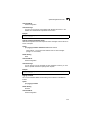
clear counters
Clears statistics on an interface
PE
4-126
show interfaces status Displays status for the specified interface
NE, PE
4-127
show interfaces
counters
Displays statistics for the specified interfaces
NE, PE
4-128
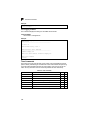
show interfaces
switchport
Displays the administrative and operational status of an
interface
NE, PE
4-129
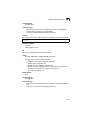
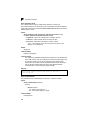
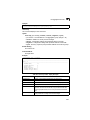
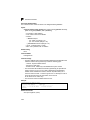
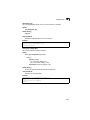
interface
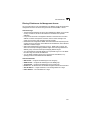
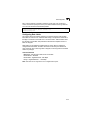
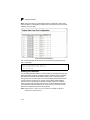
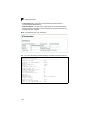
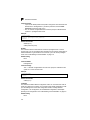
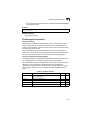
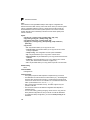
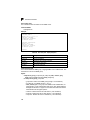
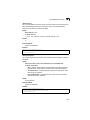
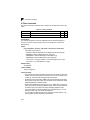
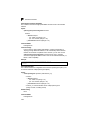
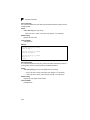
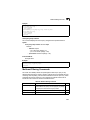
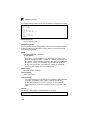
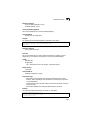
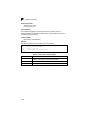
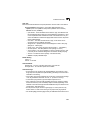
This command configures an interface type and enter interface configuration mode.
Use the no form to remove a trunk.
Syntax
interface interface
no interface port-channel channel-id
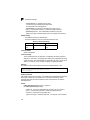
interface
• ethernet unit/port
- unit - Stack unit. (Range: 1-8)
- port - Port number. (Range: 1-26)
• port-channel channel-id (Range: 1-32)
• vlan vlan-id (Range: 1-4093)
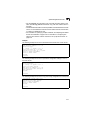
Default Setting
None
4-120