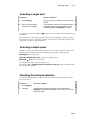
1
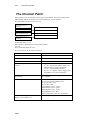
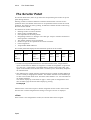
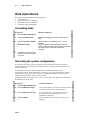
The Mix Output Menu
21-9
default, so you will need the your Device Library diskette to load the devices that do not
appear in the default list.
Enter all text information using the alphanumeric keyboard. Numeric entries can be typed
on the alphanumeric keyboard or on the console keypad.
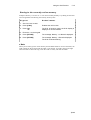
¾Note
To erase the name of a parameter press the Spacebar on the alphanumeric keyboard. To
erase numbers press 0 on the alphanumeric keyboard or on the console keypad.
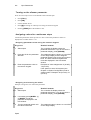
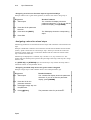
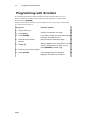
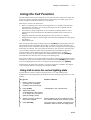
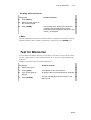
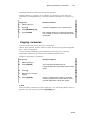
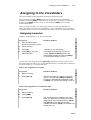
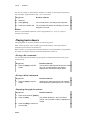
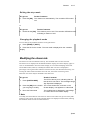
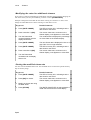
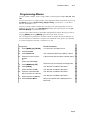
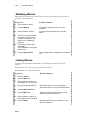
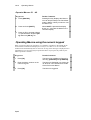
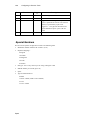
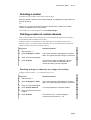
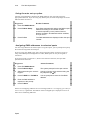
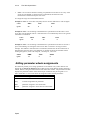
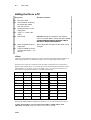
Keypresses
Results/Comments
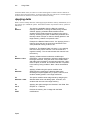
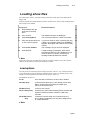
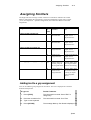
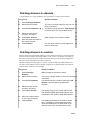
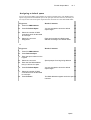
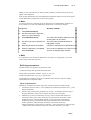
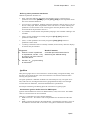
1. Press F2 Select Device
2. Use the arrow keys to select the
device you are overwriting.
3. Press F5 Define Device
The field of the definition table turns red,
showing that it is now active.
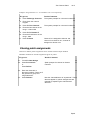
4. Use the arrow keys to position the
cursor.
The field of the selected parameter is
highlighted in white.
5. Enter the parameter information.
Consult the manufacturer’s specifications.
6. When the definition is completed,
press F1 STORE
The new device appears in the device list
and can be assigned spot numbers.
¾Note
It is expedient to save the device definition by recording it to a floppy disk, as you will
need to load it after each cold start.
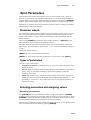
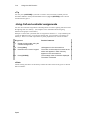
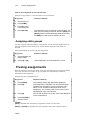
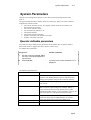
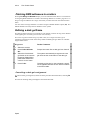
Defining parameters
Parameters may be assigned in any numerical order.
To take advantage of the powerful library function:
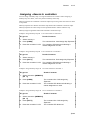
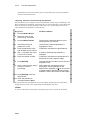
Assign gobos to parameter numbers: p5, p6, p7, p13, p15.
Assign color parameters to p1, p2, p3, p4, and p14.
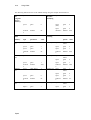
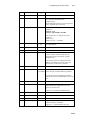
The parameters included in Libraries are indicated in the libraries’ reference display,
located below the Assignment Table.
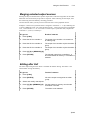
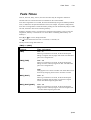
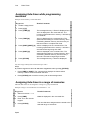
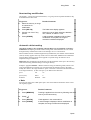
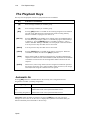
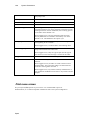
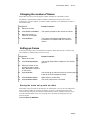
Types of parameters
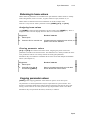
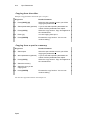
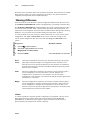
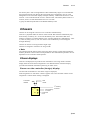
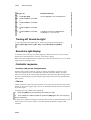
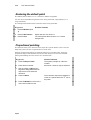
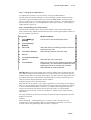
Parameters are defined as is either continuous, discrete step (D) or mixed step (M).
1.
2.
3.
Continuous control is from 0 -- Full. Examples of continuous parameters are x, y, and
dimmer parameters.
Discrete steps increment the parameters by one step. An example of discrete step is
the gobo parameter, where each increment will move to the next gobo.
Mixed steps are also incremented by one step, however within each step there is
continuous control. This occurs in the case of certain devices where two or more
parameters share a common DMX channel. Use of mixed step insures against
accidentally moving into parameter that shares the DMX control channel with
another parameter, while allowing continuous control within each step.
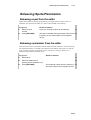
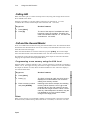
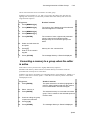
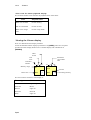
Example: Parameter control channel 1 from 0% - 50% controls the iris and from 50%
- 100% strobes and controls the strobe rate. Therefore, mixed step 1 provides
Spark