1
Chapter 8 Operating Arm Manager
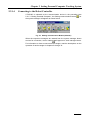
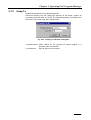
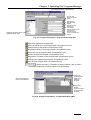
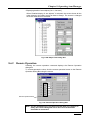
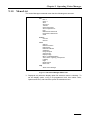
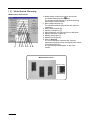
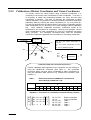
• Displaying details of arm objects [Ver. 1.8 or later]
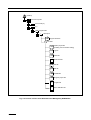
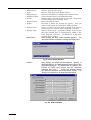
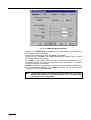
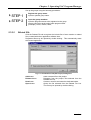
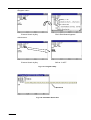
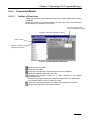
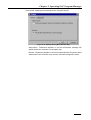
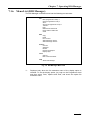
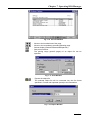
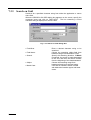
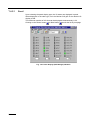
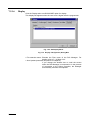
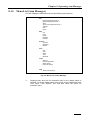
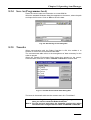
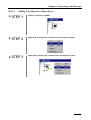
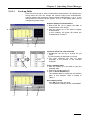
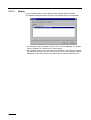
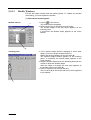
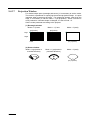
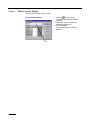
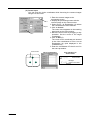
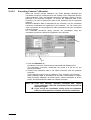
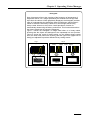
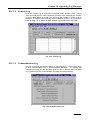
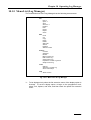
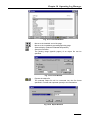
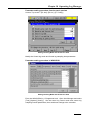
When “Detailed display of arm objects” is selected, the screen shows all the
robot objects in the object tree from base to flange. The screen is changed
when the WINCAPSII is activated.
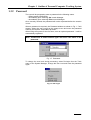
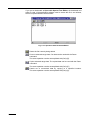
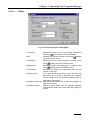
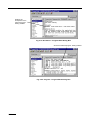
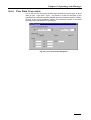
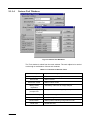
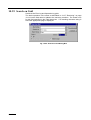
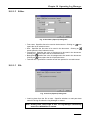
Fig. 8-24b Object Tree Dialog Box
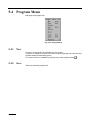
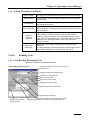
8.6.2 Remote Operation
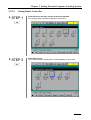
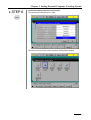
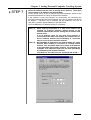
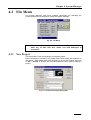
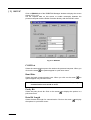
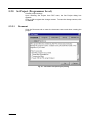
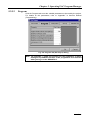
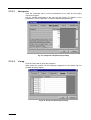
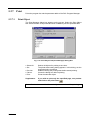
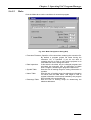
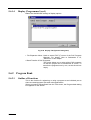
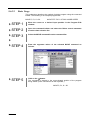
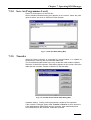
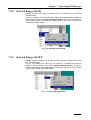
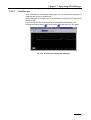
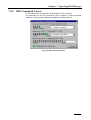
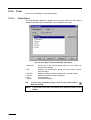
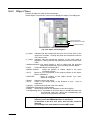
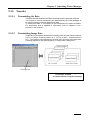
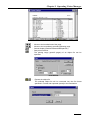
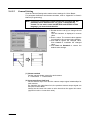
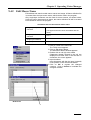
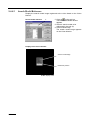
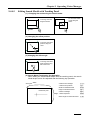
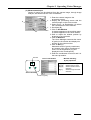
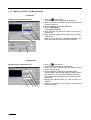
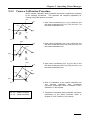
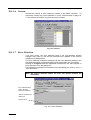
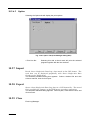
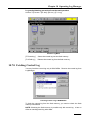
Selecting the remote operation command displays the Remote Operation
dialog box.
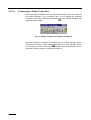
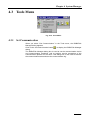
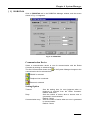
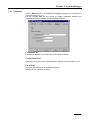
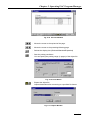
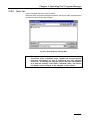
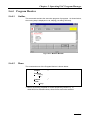
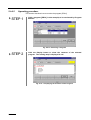
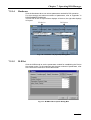
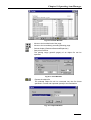
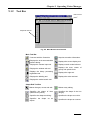
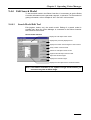
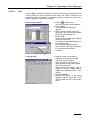
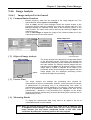
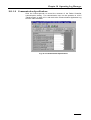
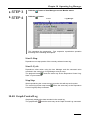
To remote-operate the robot, click the remote operation button on the Remote
Operation Dialog Box using the mouse.
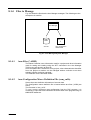
Remote operation button
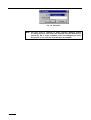
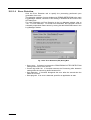
Fig. 8-25 Remote Operation Dialog Box
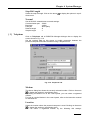
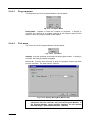
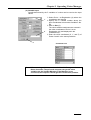
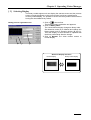
Note: Use the Arm Manager in the disconnected state. For reasons of
safety, the robot is designed not to move even if the Robot
Controller is connected.
8-23