1
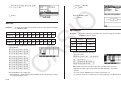
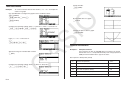
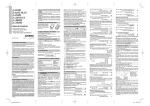
• If the Main Menu shown to the right is
not on the display, press the RESTART
button on the back of the calculator.
BEFORE USING THE CALCULATOR
FOR THE FIRST TIME...
Batteries are not loaded in your calculator at the factory.
Be sure to follow the procedure below to load batteries and adjust the
display contrast before trying to use the calculator for the first time.
RESTART button
AS
IO
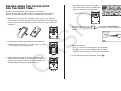
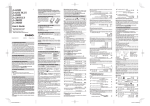
1. Making sure that you do not accidently press the M key, slide the
case onto the calculator and then turn the calculator over. Remove the
battery cover from the calculator by pulling with your finger at the point
marked .
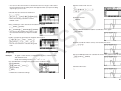
4. Use the cursor keys (D, A, B, C) to select the SYSTEM icon
and press U, then press (
) to display the contrast adjustment
screen.
2. Load the four batteries that come with the calculator.
• Make sure that the positive (+) and negative (–) ends
of the batteries are facing correctly.
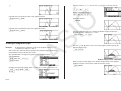
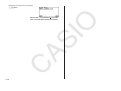
5. Adjust the contrast.
• The C cursor key makes display contrast darker.
• The B cursor key makes display contrast lighter.
• (INIT) returns display contrast to its initial default.
6. To exit display contrast adjustment, press K.
C
3. Replace the battery cover, making sure that its tabs
enter the holes marked and turn the calculator front
side up. The calculator will turn on automatically and
the MAIN MENU will appear on the display.