1
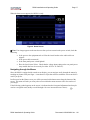
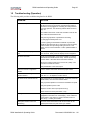
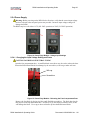
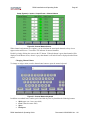
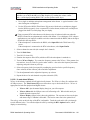
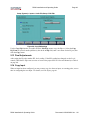
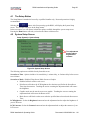
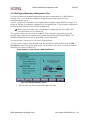
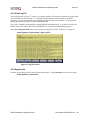
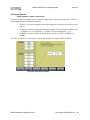
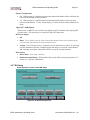
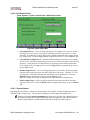
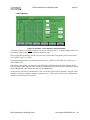
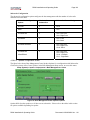
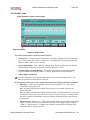
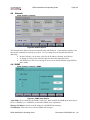
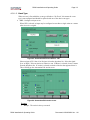
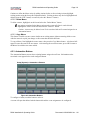
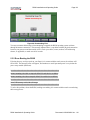
RS20i Installation and Operating Guide Page 59 4.2.2 Saving and Restoring Configuration Files You can save and restore standard configurations and master configurations to a USB Flash drive (memory stick). You can also save Diagnostic information (the system log file) for use in troubleshooting the system. A master configuration is intended to be a template used to configure similar RS20is in a system. It is used as the first step in creating the configuration of each installed unit. Copy the master configuration file from one RS20i and load it via USB into all RS20i units. Note: Always be careful, as any existing Master Configuration file on the USB will be overwritten when you save another one. The standard configuration is specific to one RS20i. This contains the unique third octave EQ, DiracEQ, inputs, output preset, automation, and global configurations needed for that RS20i. The standard configuration file can only be loaded back onto the same RS20i. You can also load a screensaver of your choice via the USB port. To set any of these options, insert the USB Flash drive into the front panel and then press the USB Save/Restore button on the System Setup screen. (If no Flash drive is present, a message will appear prompting you to insert a USB device.) Setup (System) > System Setup > USB Save/Restore Figure 33. USB Save/Restore Screen Select an activity on the left, then touch Copy on the right. RS20i Installation & Operating Guide Document # 9301H52900 Ver. 1.01