1
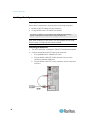
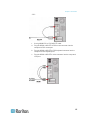
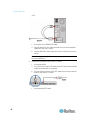
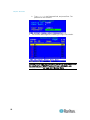
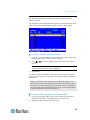
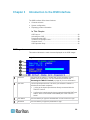
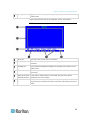
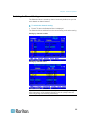
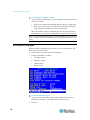
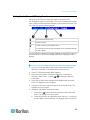
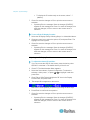
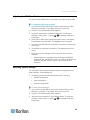
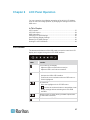
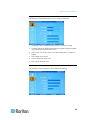
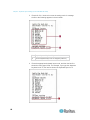
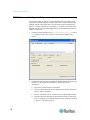
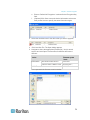
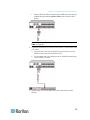
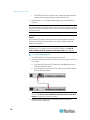
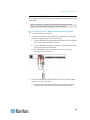
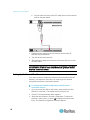
Chapter 4: Advanced Operation Switching the Channel Sorting The Selection Menu is sorted by channel number by default, but you can sort it based on channel names. To switch the channel sorting: Press F12 when the Selection Menu is displayed. The Selection Menu switches from the current sorting to the other sorting. Sorting by channel number Sorting by channel name Tip: When the Selection Menu is sorted by channel name, you can type initial character(s) of the desired channel's name to quickly locate the names beginning with matching character(s). 35