1
Appendix E: Windows Pre-Authentication Configuration
Authentication Settings
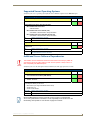
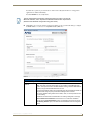
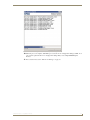
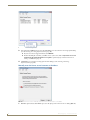
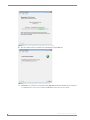
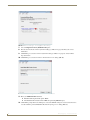
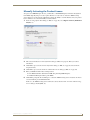
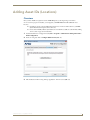
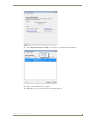
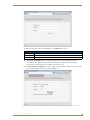
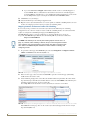
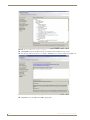
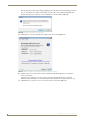
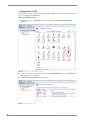
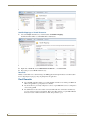
1. On each of the new virtual directories just added, visit the Authentication page (FIG. 172):
FIG. 172 rms-ui Home page - Authentication option
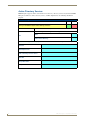
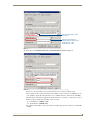
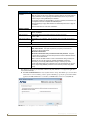
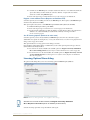
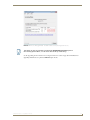
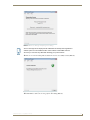
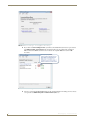
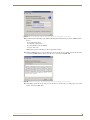
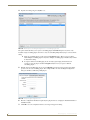
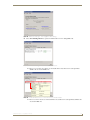
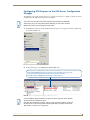
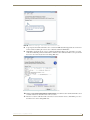
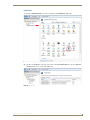
2. For the rms-api virtual directory, confirm that Anonymous Authentication is enabled, and all other forms
are disabled.
The RMS Enterprise application will be responsible for enforcing digest authentication for client
gateways, not IIS (FIG. 173):
FIG. 173 rms-api - Authentication page
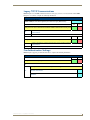
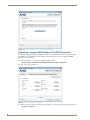
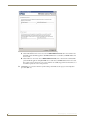
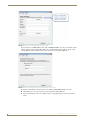
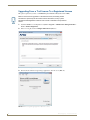
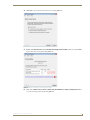
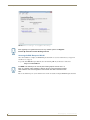
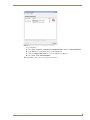
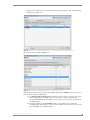
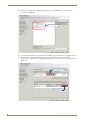
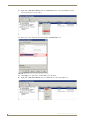
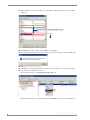
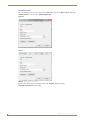
3. For the rms-ui virtual directory, disable Anonymous Authentication and enable Windows Authentication.
All other forms of authentication should be disabled (FIG. 174):
RMS Enterprise - Installation Guide
127