1
Device Configuration
6
h
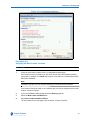
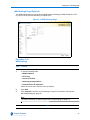
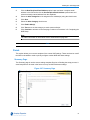
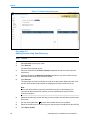
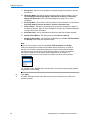
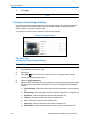
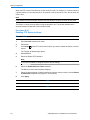
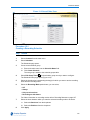
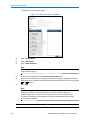
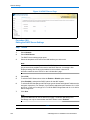
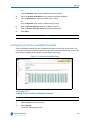
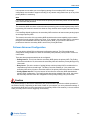
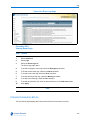
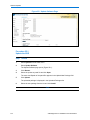
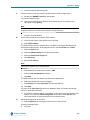
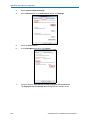
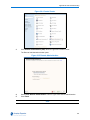
Back Light Compensation - Select the back light compensation value from the
dropdown list.
i
Image Interlaced - Select the image interlacing setting from the dropdown list.
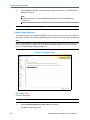
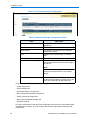
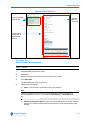
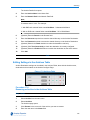
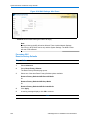
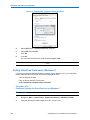
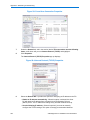
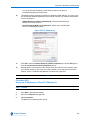
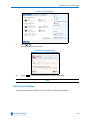
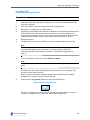
Adjust the Lens/Sensor settings. The types of settings and value ranges available are
camera make/model dependent. The Lens/Sensor settings include:
a
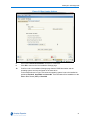
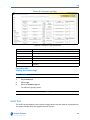
Lens Focus - Select a focus for the camera from the dropdown.
b
Lens Auto Focus - Select the checkbox to enable automatic camera focus.
c
Lens Iris - Select the iris value for the camera from the dropdown.
d
Lens Auto Iris - Select the checkbox to enable automatic iris control.
e
Lens Day Night Mode - Select the required mode from the dropdown.
f
Lens WDR (Wide Dynamic Range) - Select the checkbox to enable WDR.
g
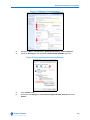
Mount Type (Vivotech Fish-eye camera only) - Select the Mount type from the
dropdown.
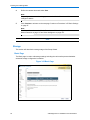
Note
The mount point configured on the NVR must match the location of the Vivotech
Fish-eye camera when it is installed as this will dictate the algorithm used by victor
unified client for de-warping.
7
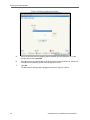
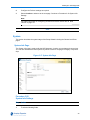
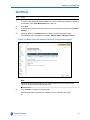
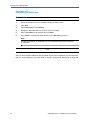
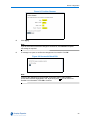
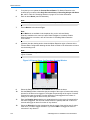
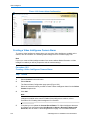
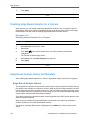
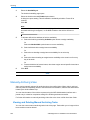
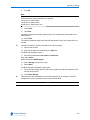
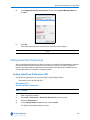
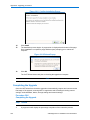
Click Apply.
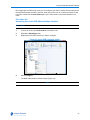
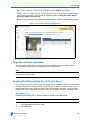
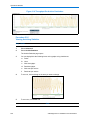
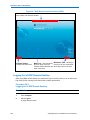
The viewer window updates to reflect the changes made to the image settings.
- End -
105