1
Section 3 - Configuration
Setup
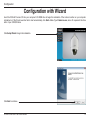
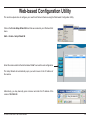
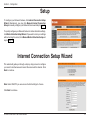
To configure your Network Camera, click Internet Connection Setup
Wizard. Alternatively, you may click Manual Internet Connection
Setup to manually configure your Network Camera and skip to page 32.
To quickly configure your Network Camera’s motion detection settings,
click Motion Detection Setup Wizard. If you want to enter your settings
without running the wizard, click Manual Motion Detection Setup and
skip to page 42.
Internet Connection Setup Wizard
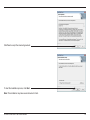
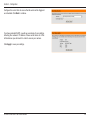
This wizard will guide you through a step-by-step process to configure
your new D-Link Camera and connect the camera to the internet. Click
Next to continue.
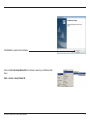
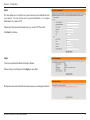
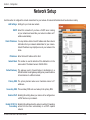
Note: Select DHCP if you are unsure of which settings to choose.
Click Next to continue.
D-Link DCS-6815/6817/6818 User Manual
27