1
Section 360−381−C02
Step
Action
System Response
1.
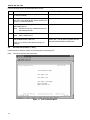
Select Delete Existing User and press <Enter>
Ask for the user’s name
2.
Type in the user’s name and press <Enter>
Deletes the user.
6.3
Editing User Information
There is no provision for editing user information directly. If you want to change a user’s password or access level, you must delete the user and then add the user to the system again with the changes.
6.4
List Users
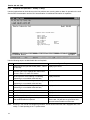
Use the following steps to list the current users in the system:
Step
1.
7.
Action
System Response
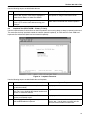
Select List User Information and press <Enter>
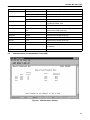
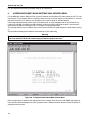
Retrieves and displays a list of the current users.
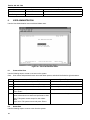
CARD INVENTORY
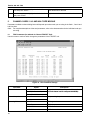
Retrieve information about any of the cards in the system.
2.1
FPGA Version 5
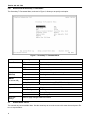
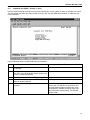
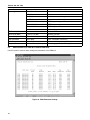
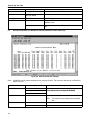
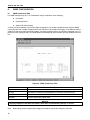
Figure 25. Card Inventory Data After Primary T1 Selected
Use the following steps to retrieve card information.
Step
Action
System Response
1.
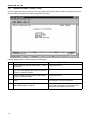
Select Card Inventory and press <Enter>
Opens the Card Inventory menu
2.
Select the card you want to see data for and
press <Enter>
Retrieves the card firmware and FPGA version inventory
data (see Figure 25)
3.
When you are done, press <q> to quit.
29