1
SATO Users Manual
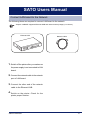
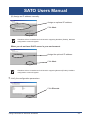
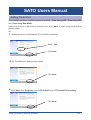
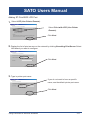
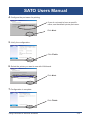
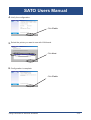
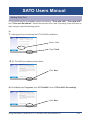
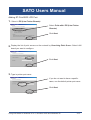
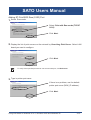
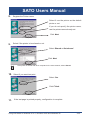
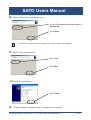
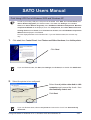
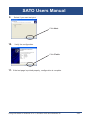
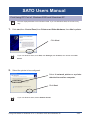
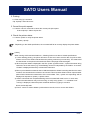
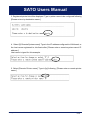
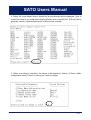
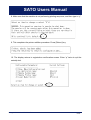
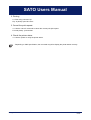
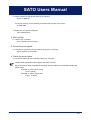
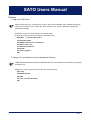
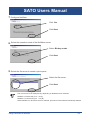
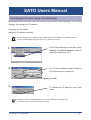
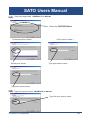
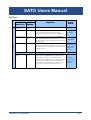
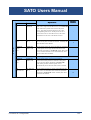
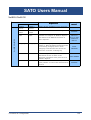
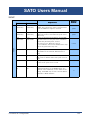
8. Make sure that the machine is not performing printing sequence, and then type in “y”.
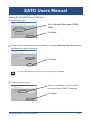
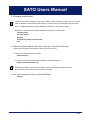
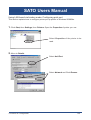
9. This completes the printer addition procedure. Press [Return] key.
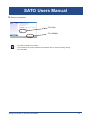
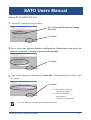
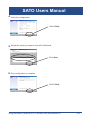
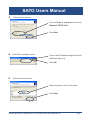
10. The display returns to registration confirmation screen. Enter “q” twice to quit the
setnetlp tool.
Using LAN board in UNIX/Linux Environment
5-16