1
2340.book Page 19 Wednesday, January 29, 2003 12:50 PM
Other Data Collection Applications
The two files must have the same number of lines, even if some of the description
lines are blank.
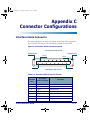
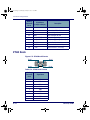
Refer to PT40 Serial Configuration and Connection on page C-1 for instructions
on connecting the PT40 to a PC.
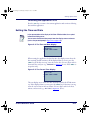
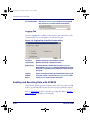
You can access the date and time prompts from other display screens and menus
(such as the password prompt in Figure 2-4 on page 2-6).).
Loading Item and Description Files into the PT40
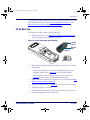
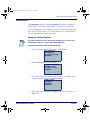
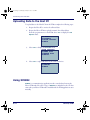
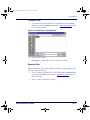
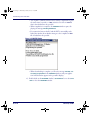
1. At the screen displaying the program name, press any function key to
display the application menu.
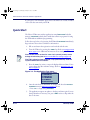
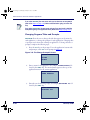
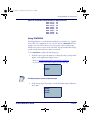
PSC DESCRIPT
08:17:32¤
10/16/02
F-KEY=CONTINUE
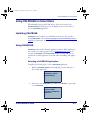
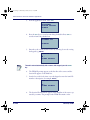
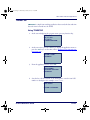
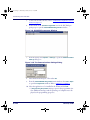
2. From the application menu, select <F2>.
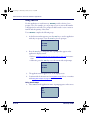
F1=COLLECT
F2=RECEIVE LISTS
F3=FILE OPTIONS
F4=EXIT¤
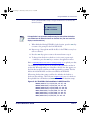
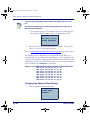
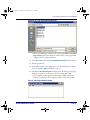
3. If item and description lists are already loaded in the PT40, the screen
shown below is displayed. To replace a list, select <F2> and go to step 4.
To add new items to an existing list, select <F3> and go to step 7.
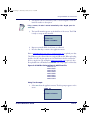
FILE NOT EMPTY
F2=ERASE
F3=APPEND
F4=EXIT¤
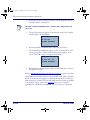
4. To erase the item and description lists that are currently loaded in the
PT40, select <F2>. The second line of the display screen will become
blank, and the lists will be removed from the PT40's memory.
Product Reference Guide
2-19