1
2340.book Page 9 Wednesday, January 29, 2003 12:50 PM
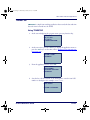
Using PALPRO40 to Collect Data
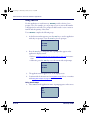
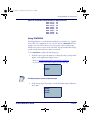
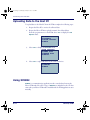
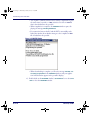
4. Enter the text for the second prompt (for example, ASSET NO.) followed by the <ENT> key.
ENTER PROMPT 2
ASSET NO.¤
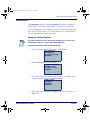
Switching to Another PALPRO40 Application
To switch from one PALPRO40 application to another, complete the following
steps:
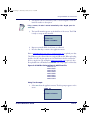
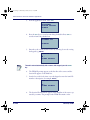
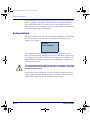
1. Select <F5> from the current application’s menu to exit the application.
ASSET MGMT¤
F2=COLLECT
F3=FILE OPTIONS
F5=EXIT
Enter <F5> on the keypad by pressing the <Shift> key and then the <F1> key.
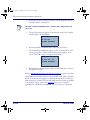
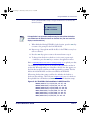
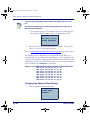
2. At the prompt, enter the current password, or press any function key
(the blue keys at the top of the keypad) to return to the menu for the
current application.
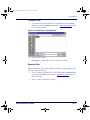
ENTER PASSWORD
¤
F-KEY=EXIT
3. When the correct password is entered, the first PALPRO40 screen opens.
4. Press any function key to display the PALPRO40 Options menu.
5. Follow the Steps on page 2-7.
Product Reference Guide
2-9