1
QUICK REFERENCE GUIDE
INSTALLATION
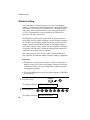
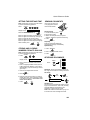
ENTERING YOUR NAME AND
NUMBER
2
1
Note: Imaging film and paper must be loaded
to perform the following operation.
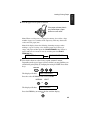
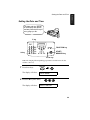
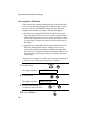
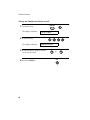
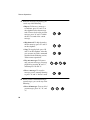
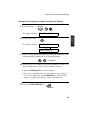
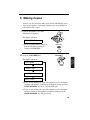
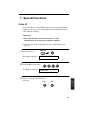
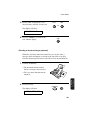
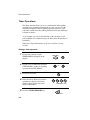
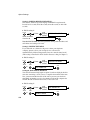
1. Press:
TEL.
SET
TEL.
LIN
E
FUNCTION
3
Display shows:
OWN NUMBER SET
3
2. Press:
START/MEMORY
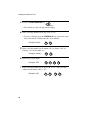
3. Enter your fax number (max. of 20 digits) by
pressing the number keys.
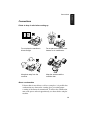
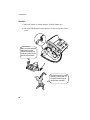
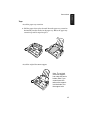
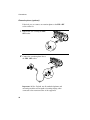
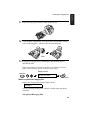
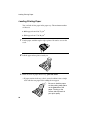
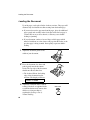
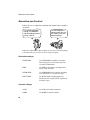
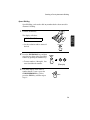
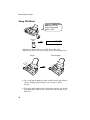
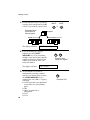
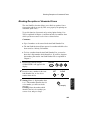
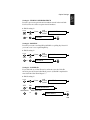
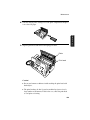
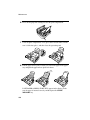
1. Connect the handset as shown.
• If you make a mistake, press the HOLD/
SEARCH key to move the cursor back to
the mistake, then enter the correct number
or letter.
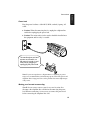
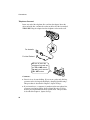
2. Plug the power cord into a grounded, 230240 V outlet.
3. Plug one end of the telephone line into the
TEL. LINE socket on the rear of the fax and
the other end into the adapter. Plug the
adapter into a telephone wall socket.
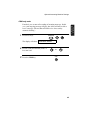
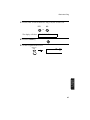
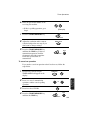
4. Press:
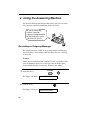
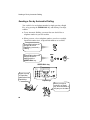
RECORDING AN OUTGOING
MESSAGE
• To enter two letters in succession that
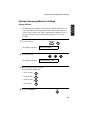
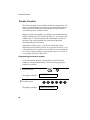
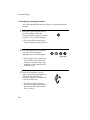
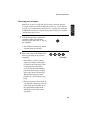
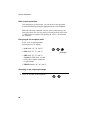
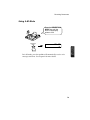
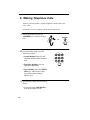
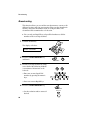
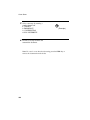
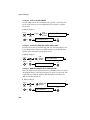
1. Press:
FUNCTION
0
Display shows: OGM RECORDING
2. Press:
START/MEMORY
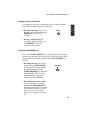
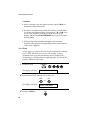
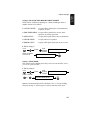
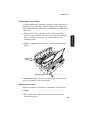
3. Press 1 (GENERAL) to record an outgoing
message for the answering machine. Press
2 (TRANSFER) to record an outgoing
message for the Transfer function.
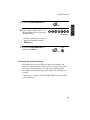
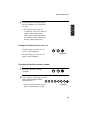
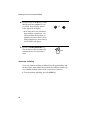
4. Pick up the handset, press the START/
MEMORY key, and speak into the handset
to record your message.
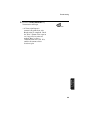
5. When finished, press the STOP key or
replace the handset.
STOP
6. Press:
STOP
START/MEMORY
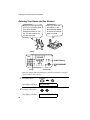
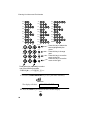
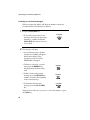
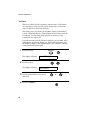
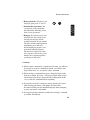
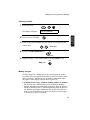
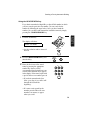
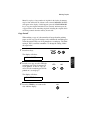
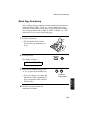
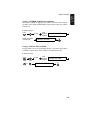
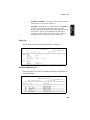
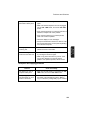
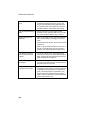
5. Enter your name by pressing the appropriate
number keys as shown below.
require the same key, press the SPEAKER
key after entering the first letter.
A=
J=
B=
K=
T=
C=
L=
U=
D=
M=
V=
E=
N=
W=
S=
F=
O=
X=
G=
P=
Y=
H=
Q=
Z=
I=
R=
SPACE =
ABC
DEF
GHI
JKL
MNO
PQRS
TUV
WXYZ
SPEED DIAL
REDIAL
HOLD/
SEARCH
SPEAKER
Deletes highlighted
letter.
Upper/lower case
shift key.
Moves cursor to the
left.
Moves cursor to the
right.
Press either key one or more times to select
and enter a symbol.
STOP
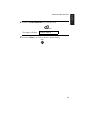
6. When finished, press:
START/MEMORY
142