1
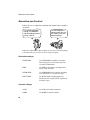
Receiving Documents
3
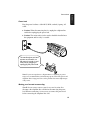
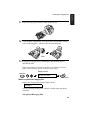
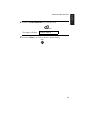
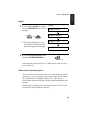
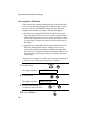
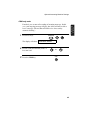
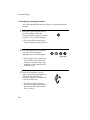
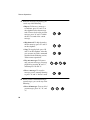
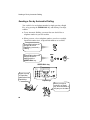
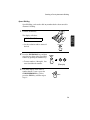
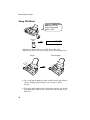
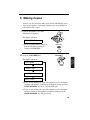
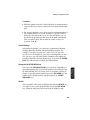
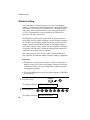
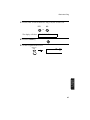
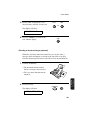
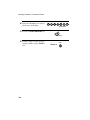
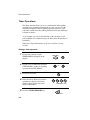
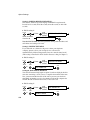
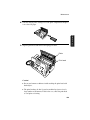
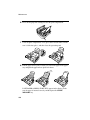
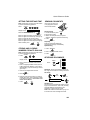
If the other party first talks and then wants to send a fax, press the
START/MEMORY key after speaking (press your START/
MEMORY key before the sender presses their Start key).
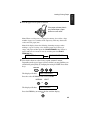
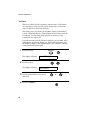
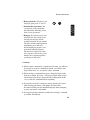
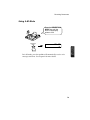
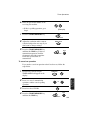
• Make sure that the display shows RECEIVING, then replace the
handset.
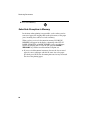
RECEIVING
START/MEMORY
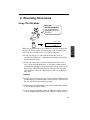
4. Receiving
Documents
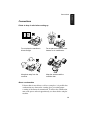
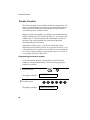
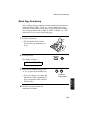
Answering with an extension phone
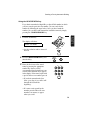
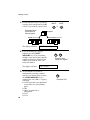
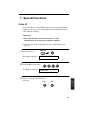
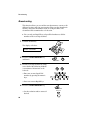
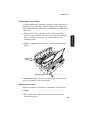
1
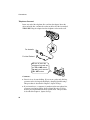
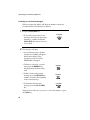
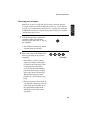
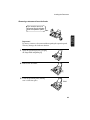
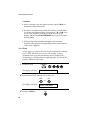
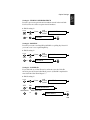
Answer the extension phone when it rings.
2
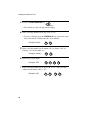
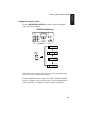
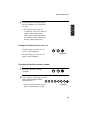
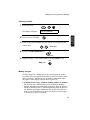
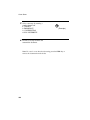
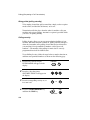
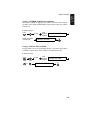
If you hear a fax tone when you answer the extension phone, wait until
your fax answers (the extension phone will go dead), and then hang up.
Beep
Phone goes dead
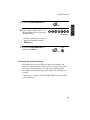
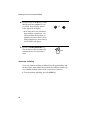
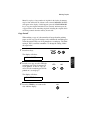
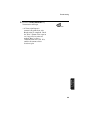
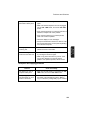
3
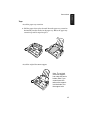
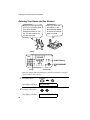
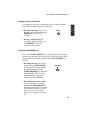
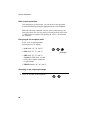
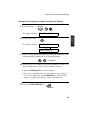
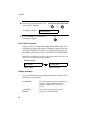
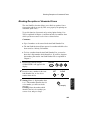
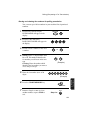
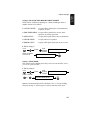
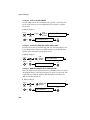
If the fax doesn't respond, or if the other party first talks to you and then
wants to send a fax, press 5, *, and * on the extension phone (only on
a tone dial phone). This signals the fax to begin reception. Hang up.
5
81