1
XT2+ Server - Version 11.01 - Configuration Manual
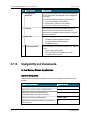
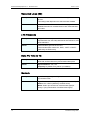
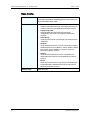
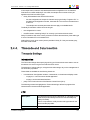
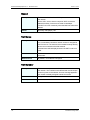
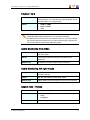
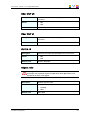
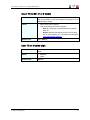
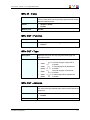
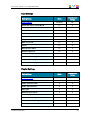
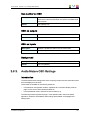
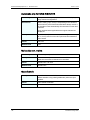
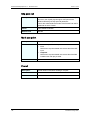
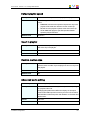
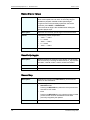
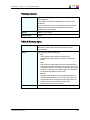
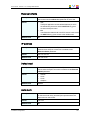
Cue number on OSD
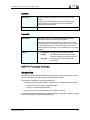
Description
Enables / disables the display of the cue point number on the
OSD of the output monitors when a cue point is recalled inside
a record train.
Values
Yes (default) / No
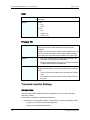
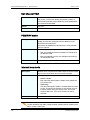
OSD on outputs
Description
Enables / disables the OSD on the play channels.
Values
Yes (default) / No
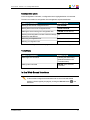
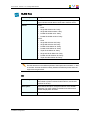
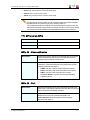
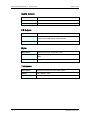
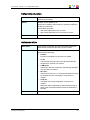
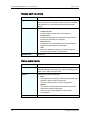
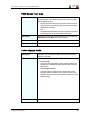
OSD on inputs
Description
Enables / disables the OSD on the record channels.
Values
Yes (default) / No
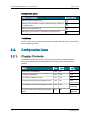
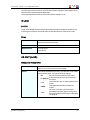
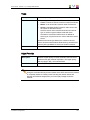
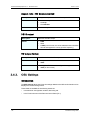
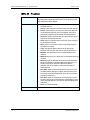
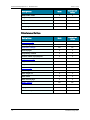
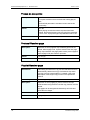
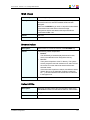
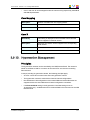
Background
3.9.3.
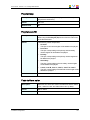
Description
Applies a dark gray background to the OSD display.
Values
Yes / No (default)
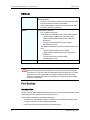
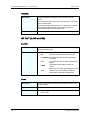
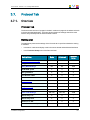
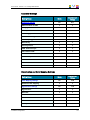
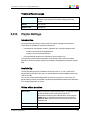
Audio Meters OSD Settings
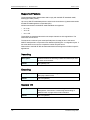
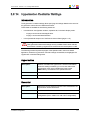
Introduction
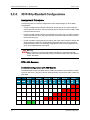
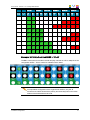
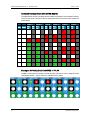
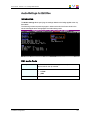
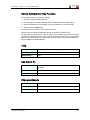
The Audio Meters OSD settings allow users to specify whether and how the audio meters
are to be displayed on the OSD.
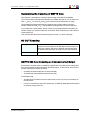
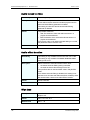
These fields are available in the following interfaces:
•
in the Multicam Configuration window, Operation tab, in the basic display mode on
page 1 on the server- and web-based interfaces.
•
in the Operational menu of the Remote Control Panel (1.2).
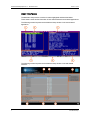
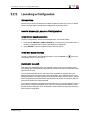
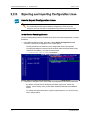
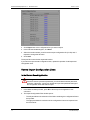
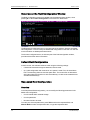
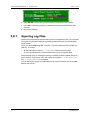
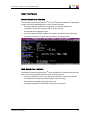
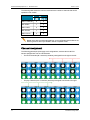
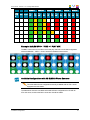
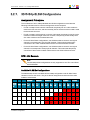
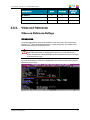
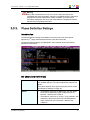
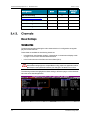
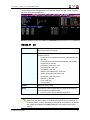
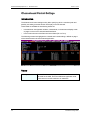
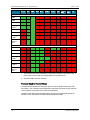
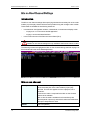
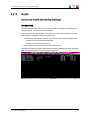
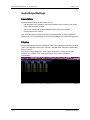
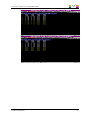
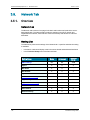
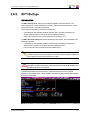
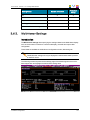
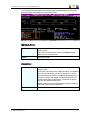
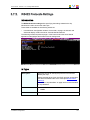
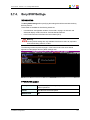
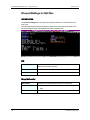
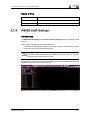
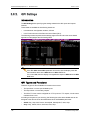
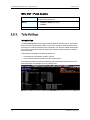
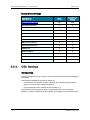
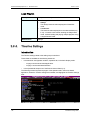
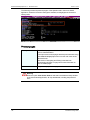
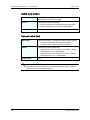
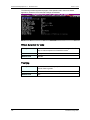
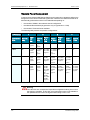
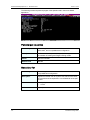
The following screenshot presents page 1 of the Operation tab in the server-based
application, where the Audio Meters OSD settings are available, and highlights this
settings area:
3. Multicam Configuration
180