1
XT2+ Server - Version 11.01 - Configuration Manual
Process
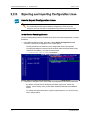
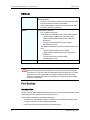
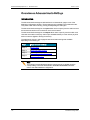
The hardware check runs the same steps and checks as the server boot process :
1. MTPC check
2. HCTX check
3. Video Codec check
4. Quad booting
5. GigE download
6. Disk check
7. Data loading
After you have launched the hardware check by pressing H in the Multicam Setup
window, the system automatically starts the test process.
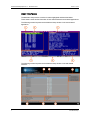
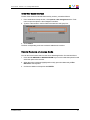
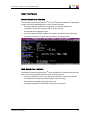
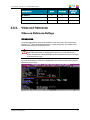
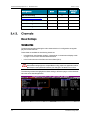
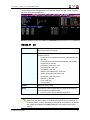
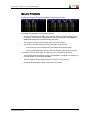
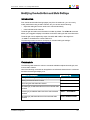
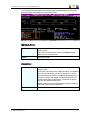
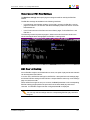
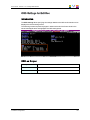
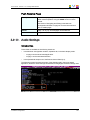
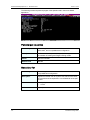
One after the other, the various steps are displayed in the BOOT.HCTX window. The test
process is completed when the HCTX board is initialized.
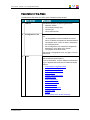
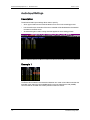
At the end of the hardware check, the hardware revisions information is displayed. The
information is logged in the bootwins.log.
Disk Errors and Disconnection
Disconnection
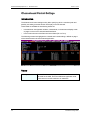
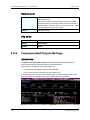
When one disk of the video raid array has sustained errors, Multicam automatically
disconnects that disk and uses the parity disk to rebuild the missing data and provide the
video and audio data blocks to the application. The operator can thus continue working
normally and the message “!Raid” appears on all monitoring outputs.
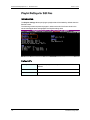
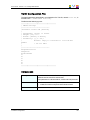
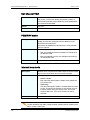
A message is displayed each time a disk is disconnected:
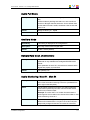
•
if the faulty disk is a spare disk:
"Warning: a spare disk has been disconnected. The system will
operate normally on the remaining disks.
At the next opportunity
please consider replacing the faulty disk. It can be identified
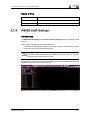
in the Shift-F5 screen or in the EVS - RAID configuration menu.
[Enter]=Continue"
•
if the faulty disk is contained in a RAID:
"Warning: a disk has been disconnected. The system will operate
normally on the remaining disks. At the next opportunity
please consider replacing the faulty disk. It can be identified
in the Shift-F5 screen or in the EVS - RAID configuration menu.
[Enter]=Continue"
2. Multicam Setup
38