1
EVS Broadcast Equipment S.A. - November 2012
Issue 11.01.B
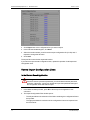
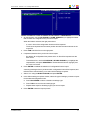
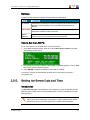
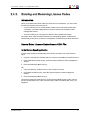
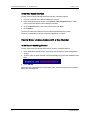
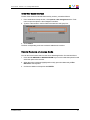
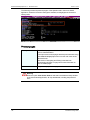
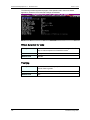
3. Press ENTER to export the keyword file from the EVS server to the USB key.
4. Press OK to close the message box that appears when the keyword file has been
exported.
5. Remove the USB key.
2.5.7.
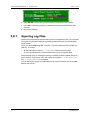
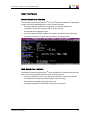
Exporting Log Files
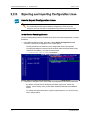
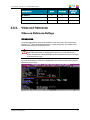
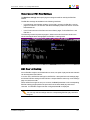
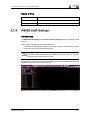
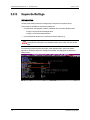
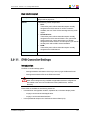
When the EVS support team requests the log files to investigate an issue, you can export
the log files to a plugged-in USB key by pressing the X shortcut key from the Multicam
Setup window.
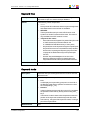
When you call the Export log file command, a .zip file is created on the root folder the
USB key. It contains:
•
all files and folders located on C:\LSMCE\DATA folder of the EVS server
•
an Excel spreadsheet that contains the definition of your configuration lines
After the export action, a message box asks you whether you want to delete the logs on
the EVS server. If you answer 'Yes', the content of the folders C:\LSMCE\DATA\LOG
and C:\LSMCE\DATA\DUMP are deleted.
You can also export log files from XNet Monitor. For more information, refer to the XNet
Monitor user manual.
43
2. Multicam Setup