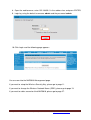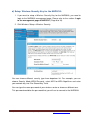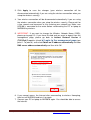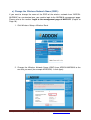
1
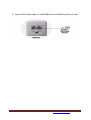
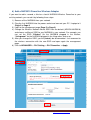
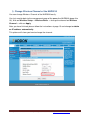
Connect the NHP5010 by Wireless:
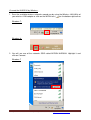
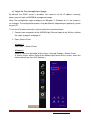
1. Scan the available wireless networks around you by using the Wireless LAN Utility of
your wireless LAN adapter or click on the WLAN icon (
)on the bottom-right corner.
Windows 7:
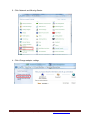
Windows 8:
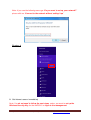
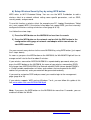
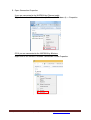
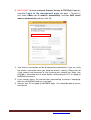
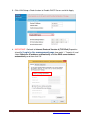
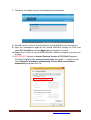
2. You will see one of the networks SSID called ADDON NHP5010. Highlight it and
click on Connect.
Windows 7
For any further information on ADDON product, please visit our website: http://www.addon-tech.com
3