1
10
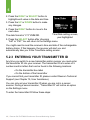
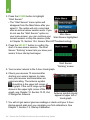
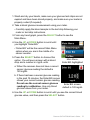
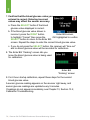
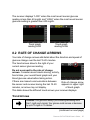
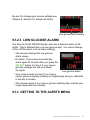
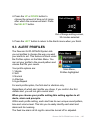
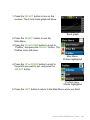
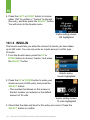
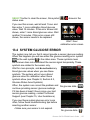
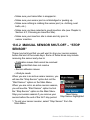
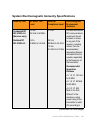
3. Press the UP or DOWN button to enter
your exercise duration (0-360 minutes), and
press the SELECT button.
• The number that shows on this screen is
the default amount of 30 minutes.
Exercise setting screen,
30 minutes selected
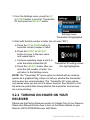
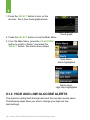
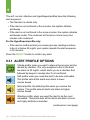
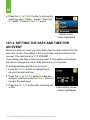
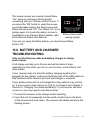
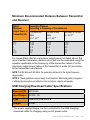
4. C
heck that the date and time for this entry are correct. Press the
SELECT button to confirm.
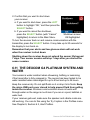
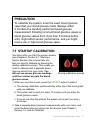
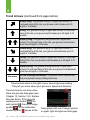
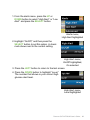
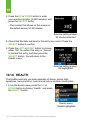
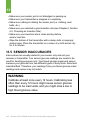
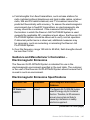
5. P
ress the LEFT or RIGHT button to choose
either “OK” to confirm this entry or “Cancel”
to discard this entry, and then press the
SELECT button. You will return to the
Events menu.
Exercise setting screen,
OK highlighted
10.1.6 HEALTH
The Health event lets you enter episodes of illness, stress, high
symptoms, low symptoms, cycle (menstrual) or alcohol consumption.
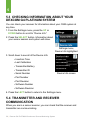
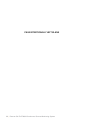
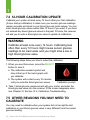
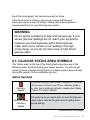
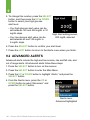
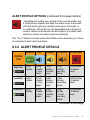
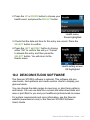
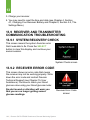
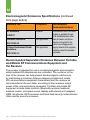
1. F
rom the Events menu press the UP or
DOWN button to choose “Health,” and press
the SELECT button.
Events menu,
Health highlighted
118 | Dexcom G4 PLATINUM Continuous Glucose Monitoring System